See the following topics in this order to start using the receiver properly.
1. Installing speakers
2. Connecting speakers (for STR-ZA3000ES)
Connecting speakers (for STR-ZA2000ES/STR-ZA1000ES)
3. Connecting a TV (for STR-ZA3000ES)
Connecting a TV (for STR-ZA2000ES/STR-ZA1000ES)
4. Connecting devices with HDMI jacks (for STR-ZA3000ES)
Connecting devices with HDMI jacks (for STR-ZA2000ES/STR-ZA1000ES)
5. Connecting devices with jacks other than HDMI jacks
6. Connecting the receiver to the network (for STR-ZA3000ES)
Connecting the receiver to the network (for STR-ZA2000ES/STR-ZA1000ES)
7. Attaching the front cover onto the front panel
8. Inserting batteries into the remote control
9. Turning on the receiver
10. Setting up the receiver using the Easy Setup
[2] Preparation Before using
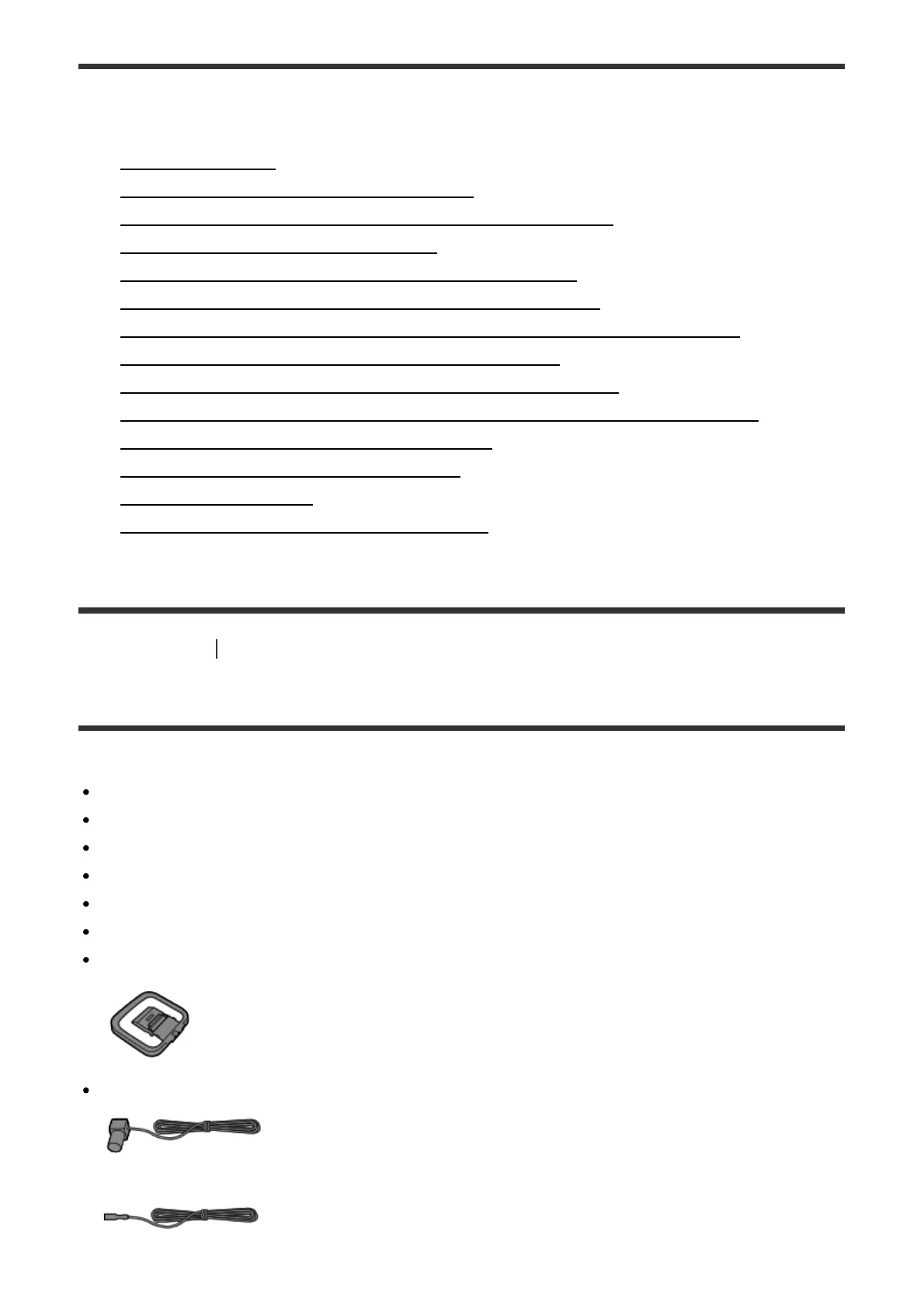
Supplied accessories
Quick Setup Guide (1)
Startup Guide (1)
Reference Guide (1)
Remote control (1)
R03 (size AAA) batteries (2)
AC power cord (mains lead) (1)
AM loop antenna (aerial) (1)
FM wire antenna (aerial) (1)
(for USA and Canadian models)


 To Next Page
 Loading...










