System Manual 9 LCD Menu Operation
59
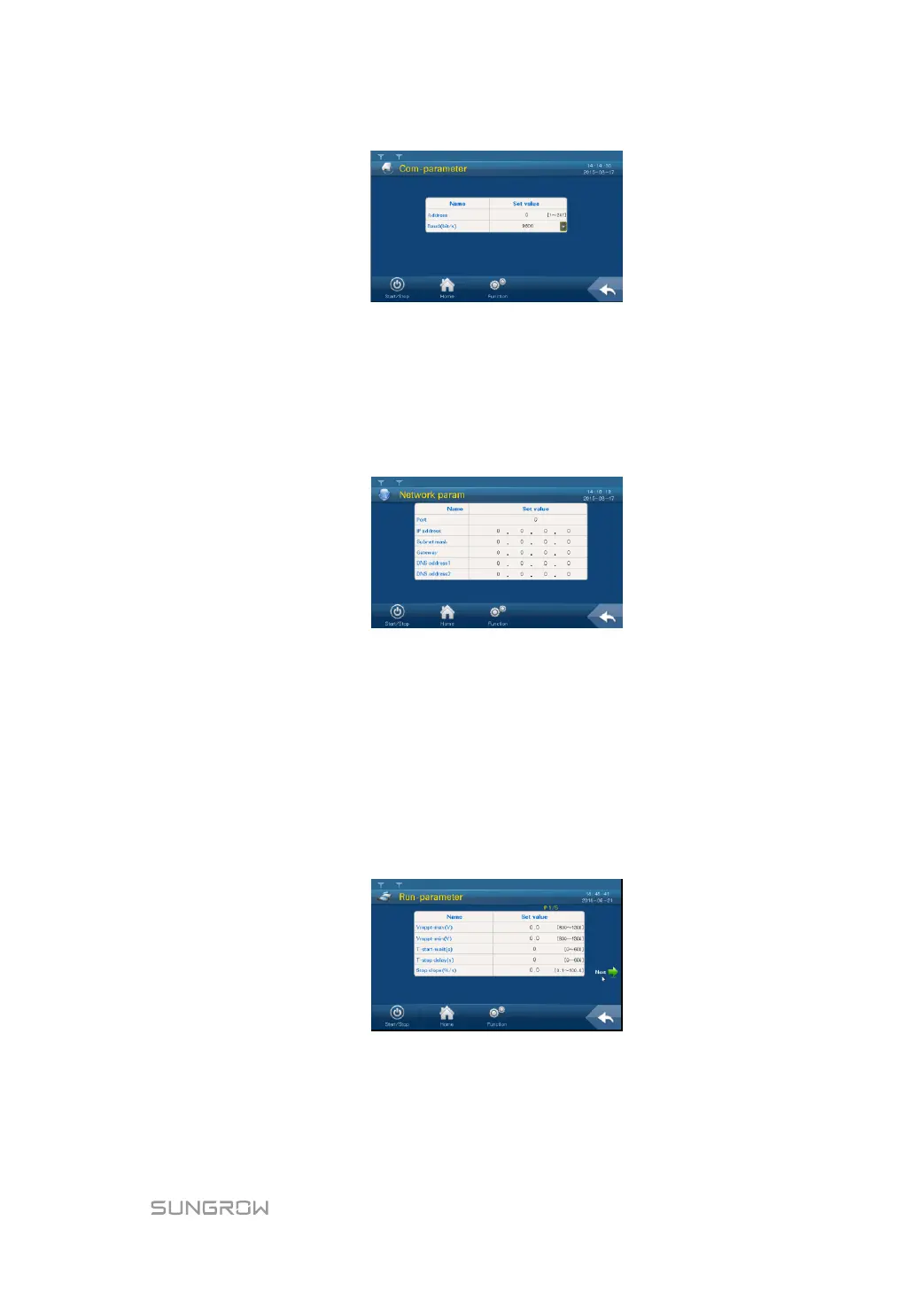
Two parameters pertinent to RS485 serial port communication can be set according to the
parameter range shown on the display.
“Address” is prescribed by the plant staff and the address for each device must be unique
when there is more than one device. “Baud” is selected according to the communication
method adopted on-site.
Network Parameter Setting
Click Network Parameter to enter the following interface.
Six parameters pertinent to the Network communication can be set. DNS address 1 and
DNS address 2 can be set to the default value. Other parameters are assigned by plant
staff.
Set parameter with the aid of the pop-up keypad.
9.13.2 Running Parameters
Setting Running Parameters
Step 1 Tap “Function” from the default menu;
Step 2 Tap “Set-parameter”;
Step 3 Tap “Run-parameter” after entering the correct password.
Step 4 Set the running parameter by tapping the pop-up keypad and tap ENTER to confirm the
setting. Tap “Prev” or “Next” to turn pages up or down.


 To Next Page
 Loading...