13
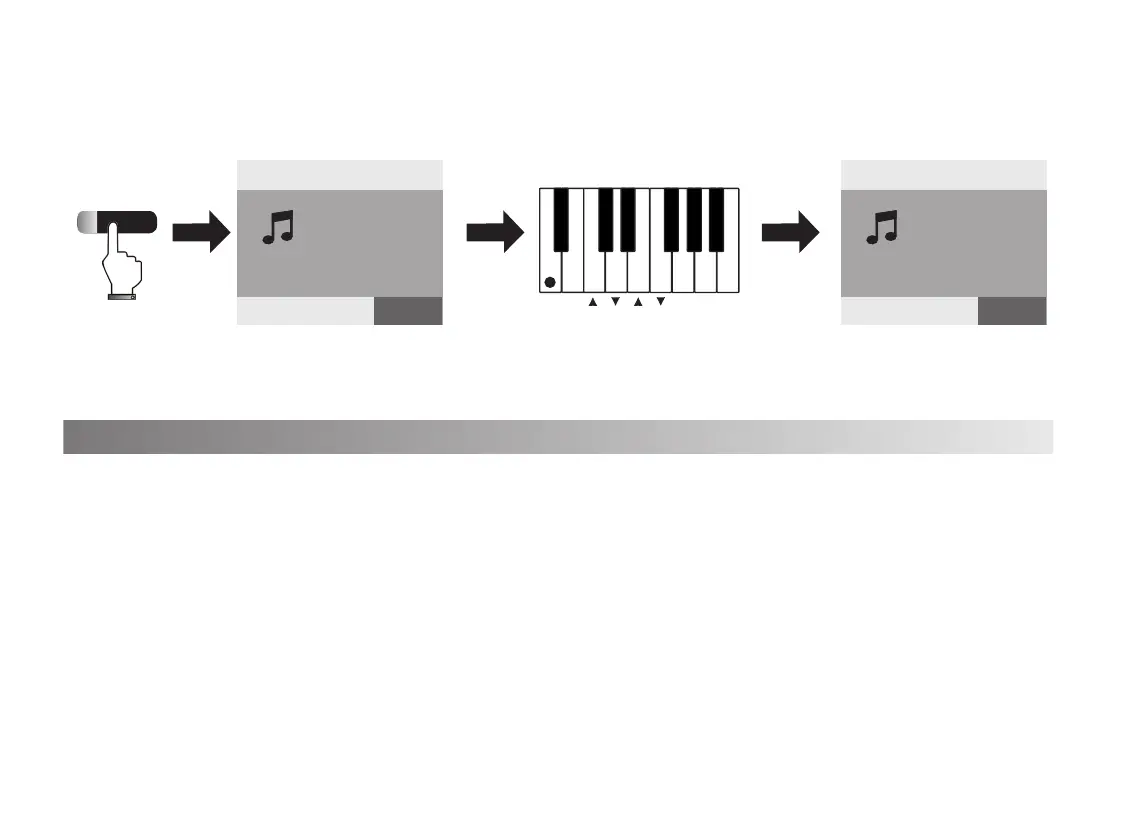
2. Press[Function]key, the function light is on,then press[Chord off]key,The screen
show”Chord:Off” mean that the chord function is off.
1.Press[Function]button, the function light is on, the screen shows”Function choosing”
Press[Octave+/-]key, the screen shows”Octave:-1,0,+1”on the top then you can adjust the
octave of the keyboard.
2.Press[Function]button again or no operation within 5 seconds, the light will be off and exit the
keyboard pitch setting.
2) Octave
On
Off
Chord
Octave
Transpose
VOICE
R1:0
Piano
Function choosing
VOICE
R1:0
Piano
Chord:On
STYLE SONG VOICE
STYLE SONG VOICE



 To Next Page
 Loading...