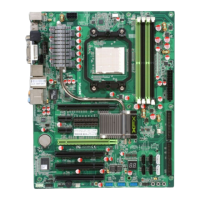
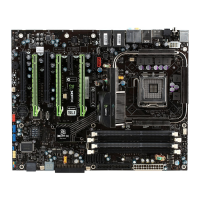
XFX nForce 780i 3-Way SLI Motherboard
56
Onboard Serial Port 1
This function on the Integrated Peripherals menu allows you to select the
onboard serial port 1 function. Options are
[3F8/IRQ4]
,
[2E8/IRQ3]
,
[3E8/IRQ4]
,
[Auto]
, and
[Disabled].
Power Management Setup
Menu
Select
Power Management Setup
from the CMOS Setup Utility menu and
press
Enter
to display the Power Management Setup menu.
Figure 14. Power Management Setup Menu
:Move Enter:Select +/-/PU/PD:Value F10:Save ESC:Exit F1:General Help
F5: Previous Values F7:Defaults
ACPI function [Enabled]
APCI Suspend Type [S1&S3]
Soft-Off by PBTN [Instant-Off]
WOL(PME#) From Soft-Off [Disabled]
Power-on by Alarm [Disabled]
x
Day of Month Alarm 0
x
Time (hh:mm:ss) Alarm 0 : 0 : 0
POWER ON Function [BUTTON ONLY]
x
KB Power ON Password Enter
x
Hot Key Power On Ctrl-F1
Item Help
Main Level
Phoenix – AwardBIOS CMOS Setup Utility



 To Next Page
 Loading...