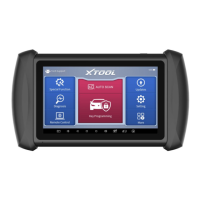
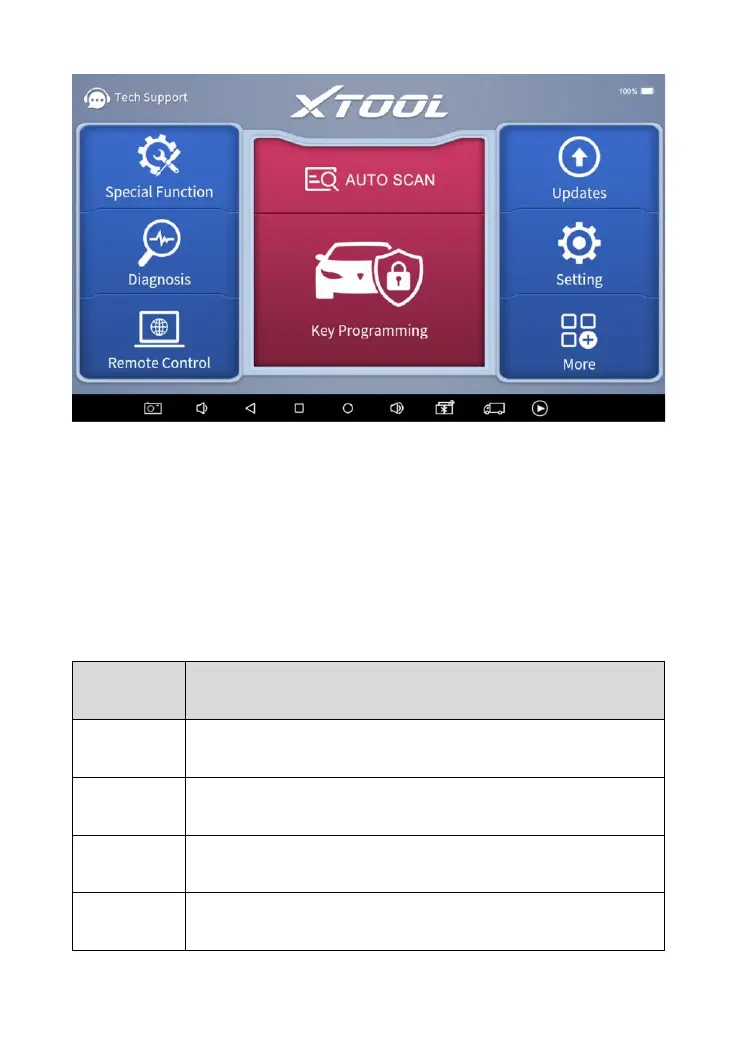
The main screen contains Function Buttons and Navigation Buttons.
The touch screen navigation is menu-driven, and you can quickly access
functions by clicking on the option title and answering the dialogue window.
A detailed description of the menu structure can be found in the next section
Function Buttons.
FUNCTION BUTTONS
The following table briefly describes each function button.


 To Next Page
 Loading...