User's Manual | ACOM 1200S | 1.8-54 MHz Linear Power Amplifier
Page
50
of
60
| S e c t i o n MAINTENANCE
7.5. Firmware
7.5.1. Firmware Versions
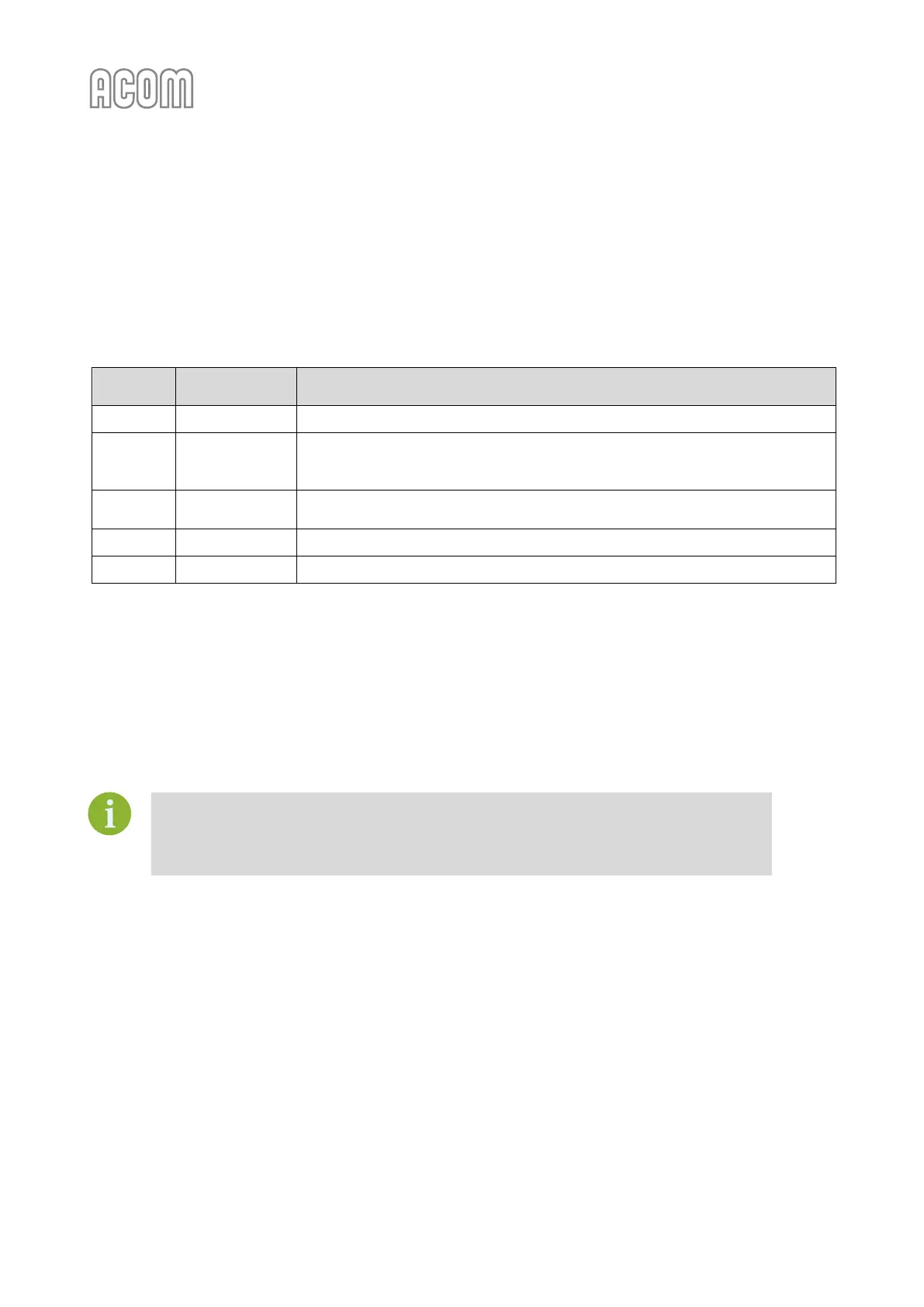
The history of available ACOM 1200S CPU Module firmware versions is shown in Table 7-1 ACOM 1200S
firmware versions history.
Table 7-1 ACOM 1200S firmware versions history
Serial communication to PC improved;
Elecraft K3 CAT issues fixed;
ATU full tune procedure improved;
Serial interface band and mode selection fixed;
Yaesu FT-991A CAT support added;
Hardware and software revised.
Table 7-1 ACOM 1200S firmware versions history
The new firmware is issued as a file, for example ACOM_1200S_FW V1.4 - 26.06.2018.DAT. You can download
the available firmware from www.acom-bg.com free of charge.
7.5.2. Prequistments
Before you change the firmware version, check the new version compatibility with the
revisions of the hardware and of the boot loader in your amplifier (see Figure 5-6 Menu
FAULTS LOG). If you have any doubts about the versions, please, consult your dealer
before you undertake any action.
When ACOM issues a new firmware version, the user can upload it in the amplifier after he checks the
compatibility. When compatibility is confirmed a return to an earlier version is also possible.
7.5.3. Firmware Updates
For uploading a firmware to ACOM 1200S you have to use the ACOM Terminal S software, distributed by
ACOM free of charge. You can download it from www.acom-bg.com.
To use the ACOM Terminal S, you have to install the software on PC equipped with RS-232 port. The ACOM
Terminal S communicates with amplifier via RS-232 interface. For cable connection, please see Section 2.5.b)
RS-232 interface connector and Table 2-2 Signals and pin out of the RS-232 connector.
The ACOM Terminal S is available for MS Windows, Apple Mac, and Linux operation systems.


 To Next Page
 Loading...












