ASUS DSBV-DX Series 4-35
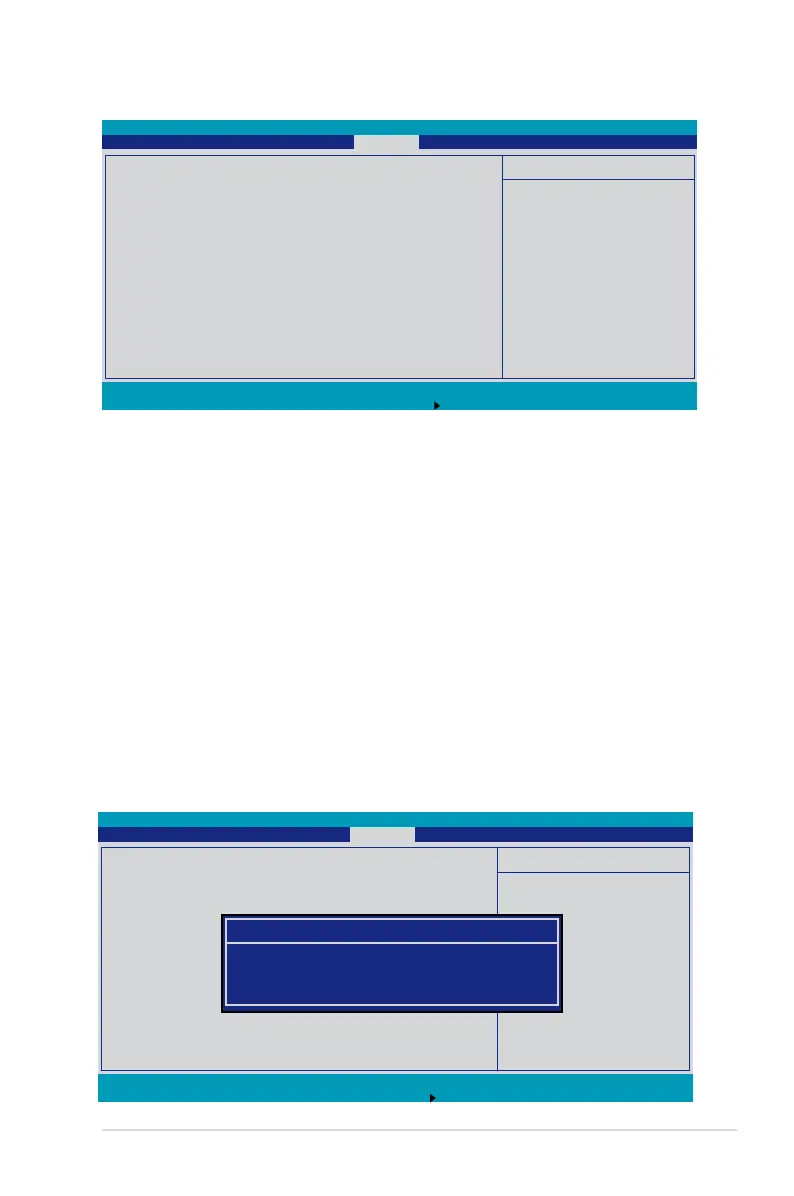
4.6 Security menu
Supervisor Password Is: [Clear]
User Password Is: [Clear]
These elds allow you to set passwords:
To set a password:
1. Select an item then press <Enter>.
2. When prompted, type in a password using a combination of a maximum of
eight (8) alpha-numeric characters, then press <Enter>.
3. Conrm the password by typing the exact characters again, then press
<Enter>. The password eld setting is changed to
Set
.
To clear the password:
1. Select the item
Set Supervisor Password
or
Set User Password
,
depending on which password you want to clear. Press <Enter>.
The following message appears:
F1 Help
↑↓
Select Item -/+ Change Values F9 Setup Defaults
ESC Exit
→←
Select Menu Enter Select Sub-Menu F10 Save and Exit
ItemSpecicHelp
Supervisor Password
controls access to the
setup utility.
Supervisor Password Is: Clear
User Password Is: Clear
Set Supervisor Password [Enter]
Set User Password [Enter]
Password Check [Setup]
Password Lock Mode [Disabled]
Removable Device Boot [Enabled]
Flash Write [Enabled]
PhoenixBIOS Setup Utility
Main Advanced Server Security Boot Exit
F1 Help
↑↓
Select Item -/+ Change Values F9 Setup Defaults
ESC Exit
→←
Select Menu Enter Select Sub-Menu F10 Save and Exit
ItemSpecicHelp
Supervisor Password
controls access to the
setup utility.
Supervisor Password Is: Set
User Password Is: Clear
Set Supervisor Password [Enter]
Set User Password [Enter]
Password Check [Setup]
Password Lock Mode [Disabled]
Removable Device Boot [Enabled]
Flash Write [Enabled]
PhoenixBIOS Setup Utility
Main Advanced Server Security Boot Exit
Set Supervisor Password
Enter Current Password [ ]
Enter New Password [ ]
ConrmNewPassword []


 To Next Page
 Loading...