15
Repeater Mode
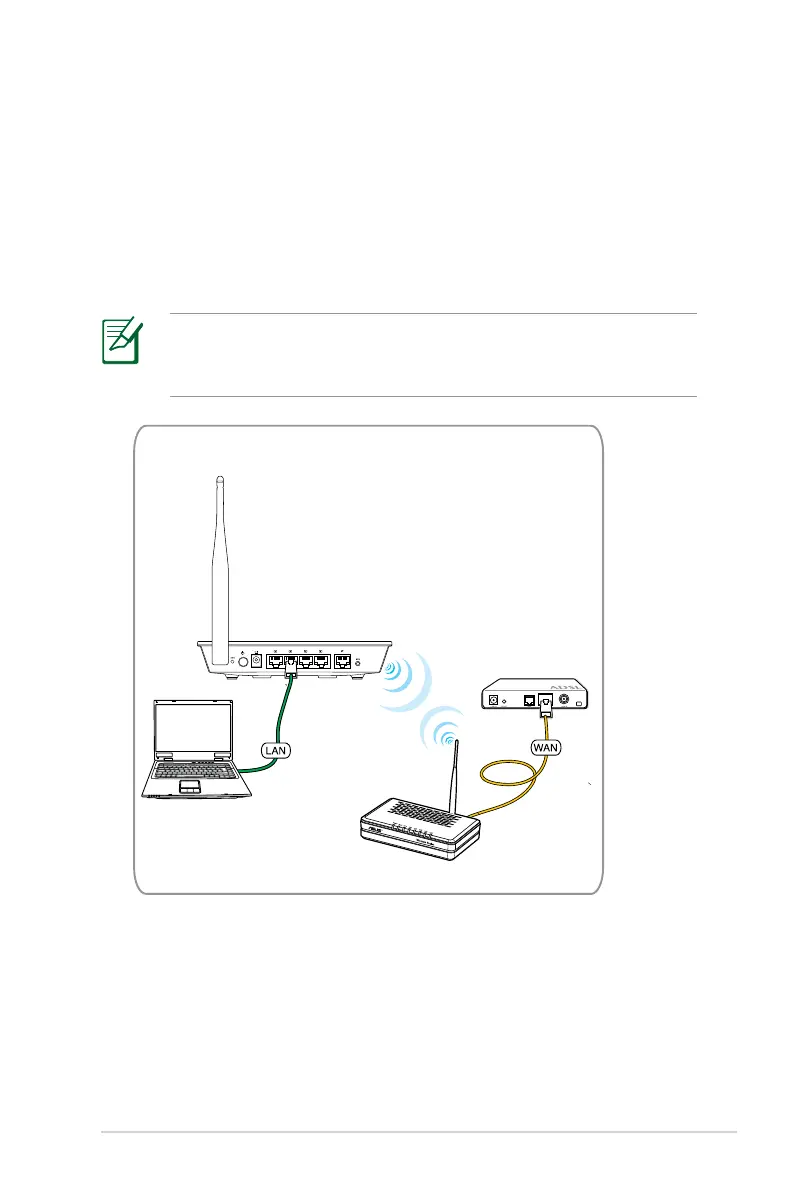
To set up your wireless router in Repeater mode:
1. Connect your devices.
Use an Ethernet cable (wired connection) to connect your
computer to the wireless router for initial configuration to avoid
possible wireless setup problems.
In Repeater mode, the wireless router extends your wireless
network coverage and provides you with higher quality wireless
radio signals. NAT, Firewall, and IP sharing services are disabled.


 To Next Page
 Loading...












