31
Upgrading the firmware
Download the latest firmware from the ASUS website at
http://support.asus.com.
To upgrade the firmware:
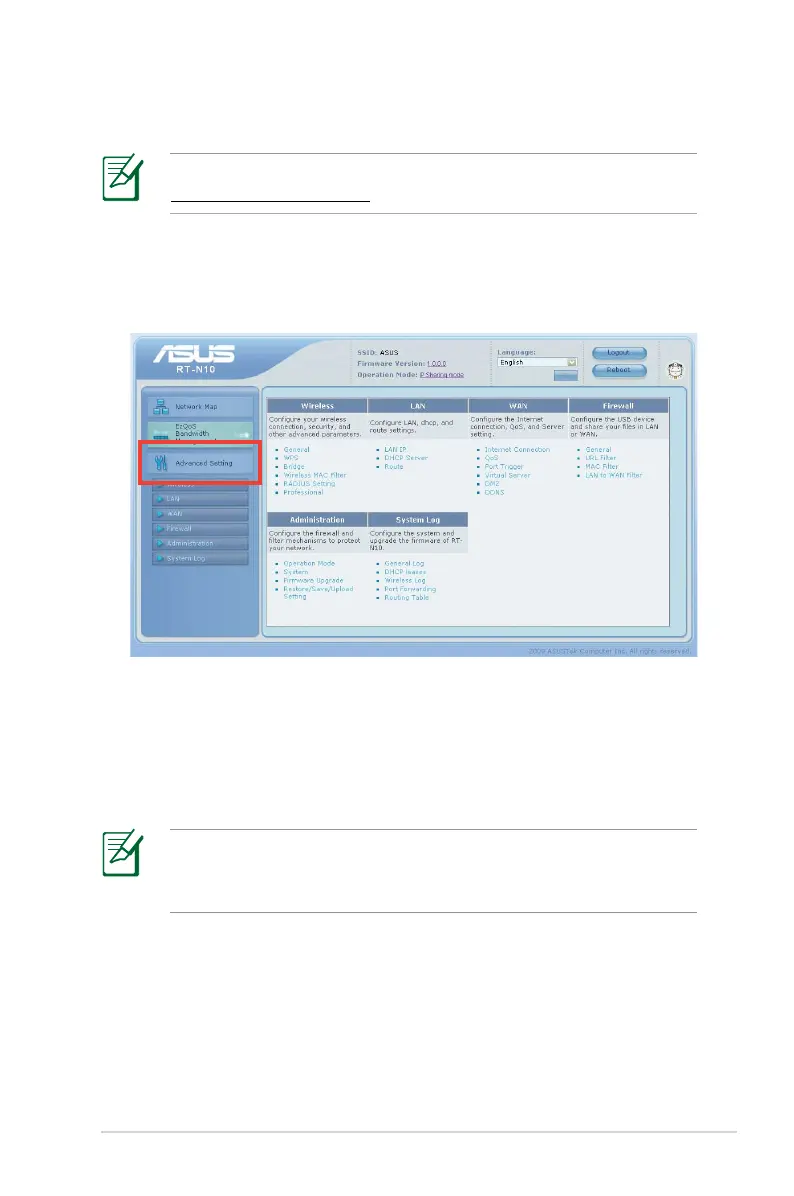
1. Click Advanced Setting from the navigation menu on the left
side of your screen.
2. Under the
Administration menu, click Firmware Upgrade.
3. In the
New Firmware File field, click Browse to locate the new
firmware on your computer.
4. Click
Upload. The uploading process takes about three minutes.
If the upgrade process fails, use the Firmware Restoration utility
to restore the system. For details on this utility, refer to the
section Firmware Restoration in this user manual.


 To Next Page
 Loading...












