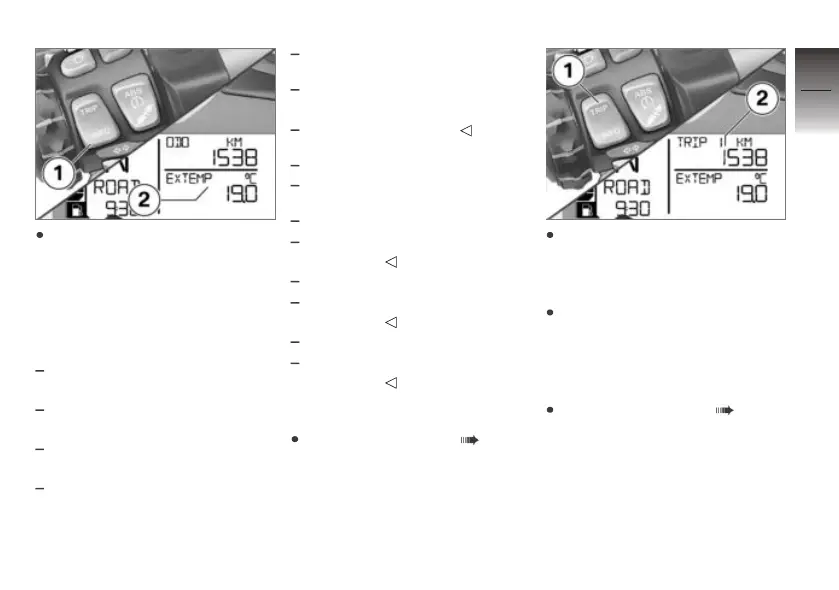
Briefly press button 1 in order
to select the display in the bot-
tom display line 2.
In the standard equipment the
following values can be displayed
and selected at the press of a
button:
Ambient temperature (EX-
TEMP)
Engine temperature (EN-
GTMP)
Average consumption 1
(CONS 1)
Average consumption 2
(CONS 2)
Average speed (Ø SPEED)
with tyre pressure monitoring
(RDC)
OE
Tyre pressures (RDC)
Date (DATE)
Oil-level reminder (OILLVL)
with Pro on-board computer
OE
Vehicle circuit voltage
(VOLTGE)
with Pro on-board computer
OE
Stopwatch total time
(ALTIME)
with Pro on-board computer
OE
Stop watch driving time
(RDTIME)
Resetting tripmeter
Switching on ignition ( 44).
Repeatedly press button 1
briefly until the tripmeter to be
reset is indicated in the top
display line 2.
Press and hold down button 1
until the value shown is reset.
Resetting the average
values
Switching on ignition ( 44).
4
51
z
Operation


 To Next Page
 Loading...