3-13
Copying
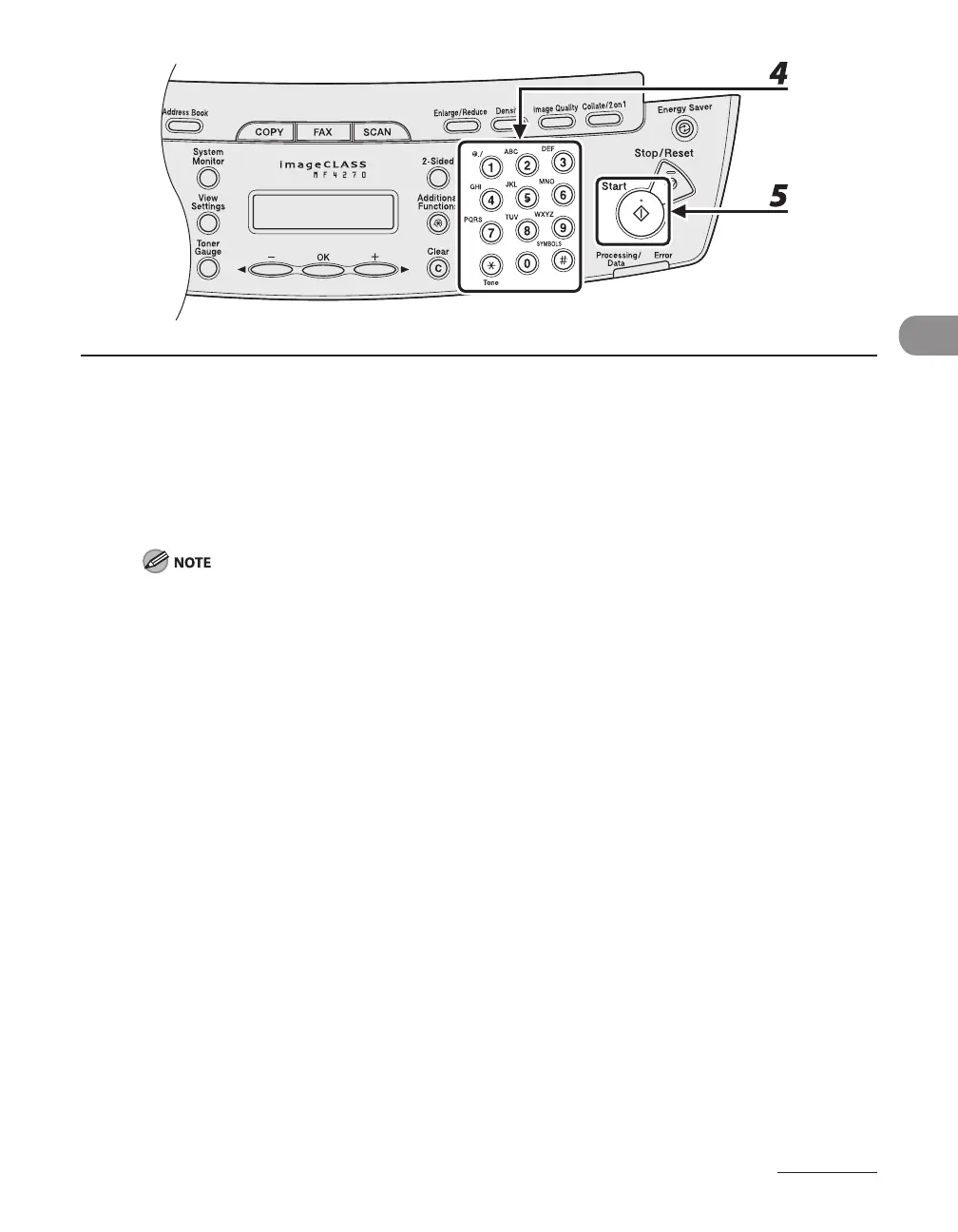
4 Use the numeric keys to enter the desired copy quantity (1 to 99).
5 Press [Start].
When you set the document on the platen glass, press [Start] for each page. When scanning is
complete, press [OK].
If you press [OK] without scanning the second page, only the first page will be printed on the left side
of the paper.
A maximum of 1/8" (4 mm) margin will be produced between the two reduced documents in 2 on 1
combination copying.
To cancel all settings, press [Stop/Reset].
When you switch the mode by pressing the mode keys such as [FAX], all settings will be also
canceled. If you want to keep the settings, store the settings in <STANDARD SETTINGS> in <COPY
SETTINGS>, see “STANDARD SETTINGS,” on p. 12-9.
–
–
–
–


 To Next Page
 Loading...










