100
Reviewing a Still Image Right after
Recording
You can select to display a still image for 2, 4, 6, 8 or 10 seconds after it has been
recorded.
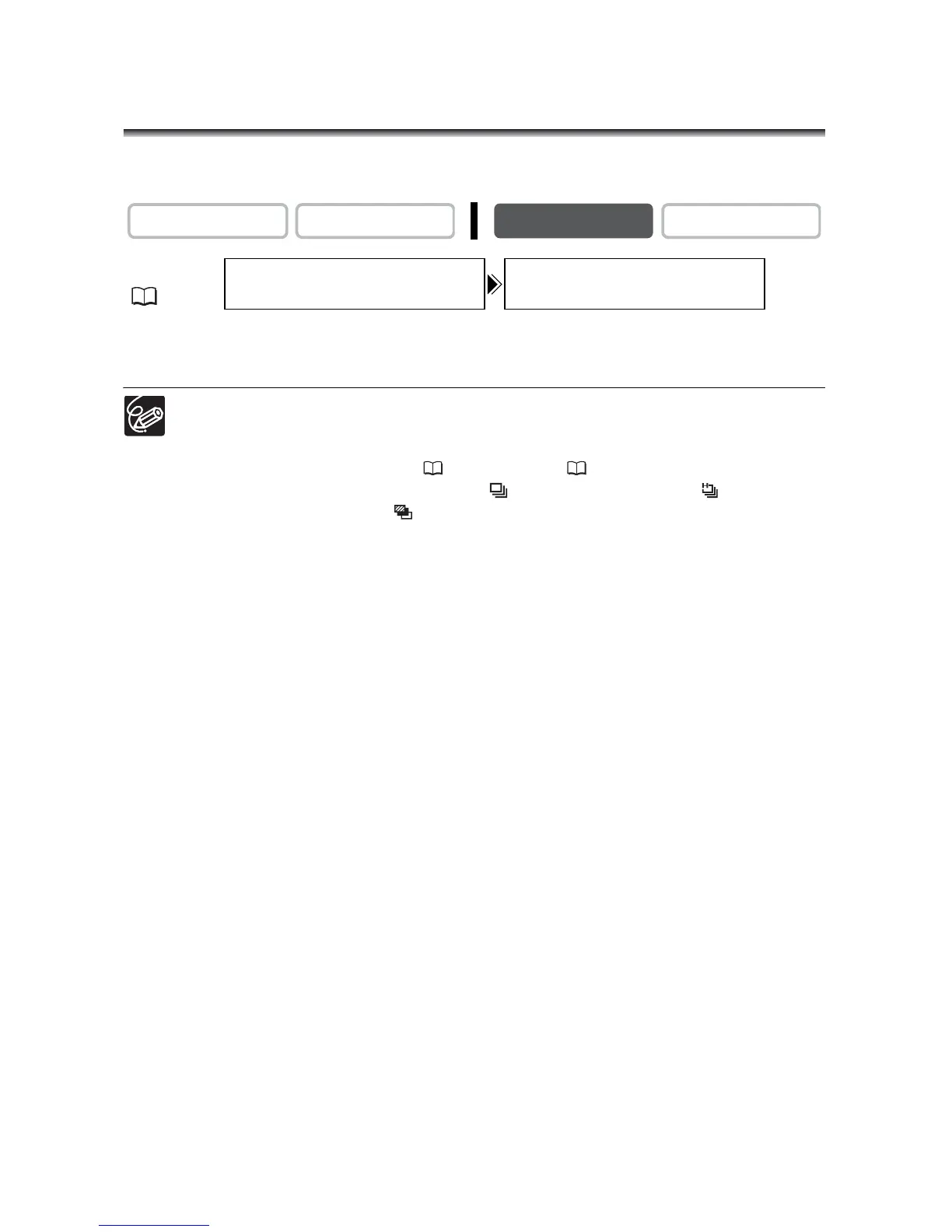
Open the menu and select [CAMERA SETUP]. Select [REVIEW], select a
setting option and close the menu.
A still image is displayed as long as you hold the PHOTO button after recording.
The FILE OPER. menu appears when you press the SET dial while you are
reviewing a still image, or when you press the SET dial right after recording. In
this menu, you can protect ( 111) or erase ( 112) the image.
[REVIEW] cannot be selected when (continuous shooting), (high-speed
continuous shooting) or (auto exposure bracketing) is selected.
CAMERA
PLAY (VCR)
CARD CAMERA
CARD PLAY
MENU
(37)
CAMERA SETUP REVIEW
•••••••
2sec


 To Next Page
 Loading...