Adding Effects and Shooting (Creative Filters)
72
Shooting in Monochrome
You can shoot images in black and white, sepia or blue and white.
Choose .
z Follow Steps 1 – 2 on p. 68 to choose .
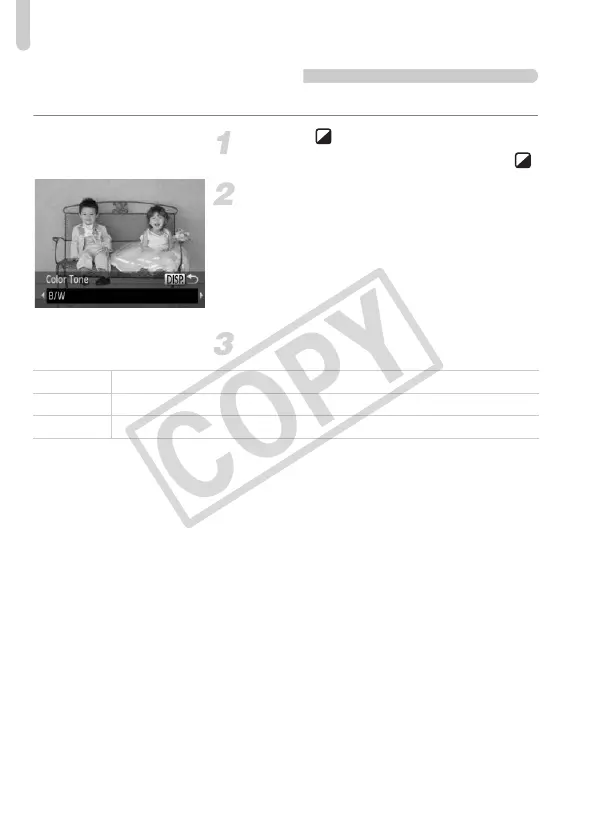
Choose a color tone.
z Press the l button.
X [Color Tone] will appear on the screen.
z Press the qr buttons to choose a color
tone, then press the l button.
X You can check the color tone on the
screen.
Shoot.
B/W Lets you shoot black and white images.
Sepia Lets you shoot sepia toned images.
Blue Lets you shoot blue and white images.


 To Next Page
 Loading...