9
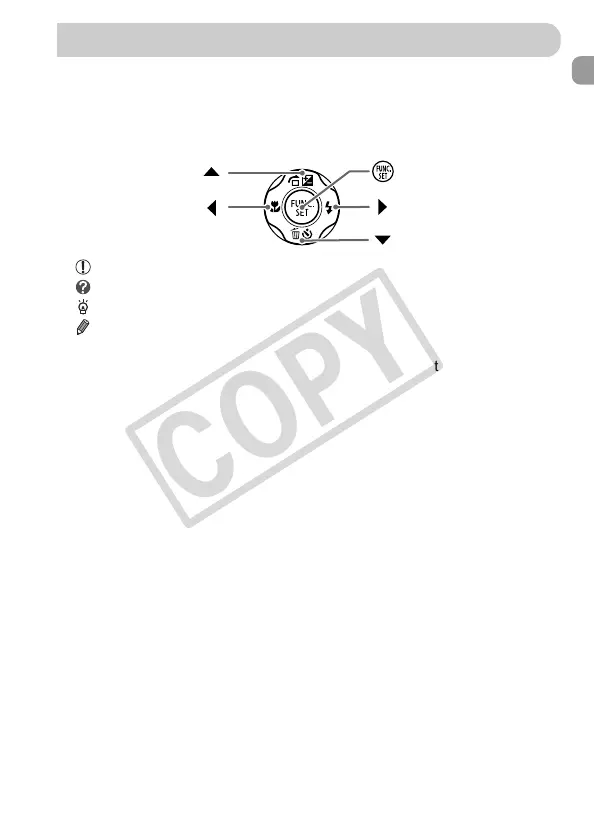
• Icons are used in the text to represent the camera buttons and dials.
• Language that displays on the screen appears inside [ ] (square brackets).
• The directional buttons and FUNC./SET button are represented by the
following icons.
• : Things you should be careful about
• : Troubleshooting tips
• : Hints for getting more out of your camera
• : Supplemental information
• (p. xx): Reference pages (“xx” stands for a page number)
• This guide assumes all functions are at their default settings.
• The various types of memory cards that can be used in this camera are
collectively referred to as memory cards in this guide.
Conventions Used in This Guide
Right button
FUNC./SET button
Up button
Left button
Down button


 To Next Page
 Loading...