62
All the images on a memory card can be displayed automatically.
The displaying time is 3 seconds.
z Depending on the images, the display interval may vary
slightly from the setting when played.
z Movies play for their entire recorded length regardless of
the Auto Play time settings.
z The power saving function is disabled while an Auto Play
plays on the camera (p. 20).
Automated Playback (Auto Play)
1
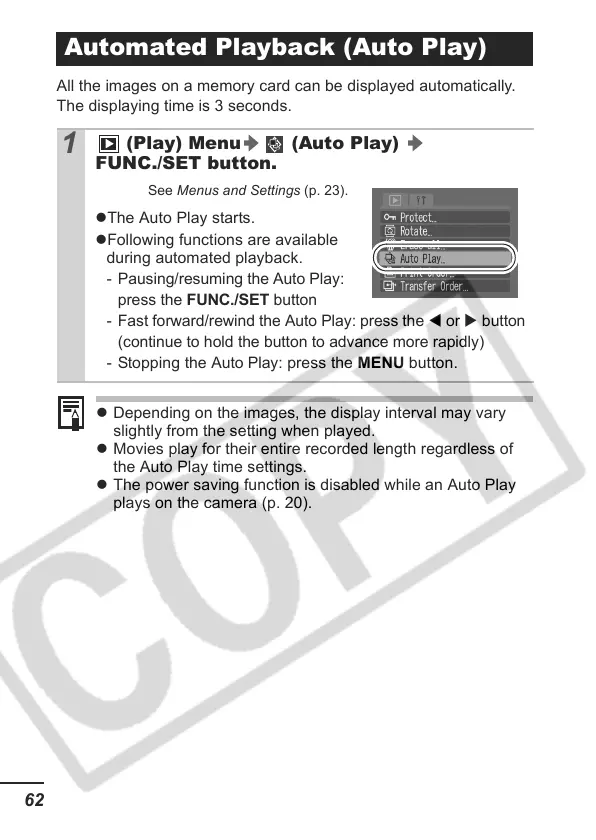
(Play) Menu (Auto Play)
FUNC./SET button.
See Menus and Settings (p. 23).
zThe Auto Play starts.
zFollowing functions are available
during automated playback.
- Pausing/resuming the Auto Play:
press the
FUNC./SET
button
- Fast forward/rewind the Auto Play: press the
W
or
X
button
(continue to hold the button to advance more rapidly)
- Stopping the
Auto Play
: press the MENU button.


 To Next Page
 Loading...














