65
Print Settings/Transfer Settings
Print Settings/Transfer Settings
You can select images on a memory card for printing and specify
the number of print copies in advance using the camera. This is
extremely convenient for printing on a direct print compatible
printer, or for sending the images to a photo developing service that
supports DPOF.
Single Images
Setting the DPOF Print Settings
The icon may display for a memory card with print settings
set by a different DPOF-compliant camera. These settings
will be overwritten by those set by your camera.
1
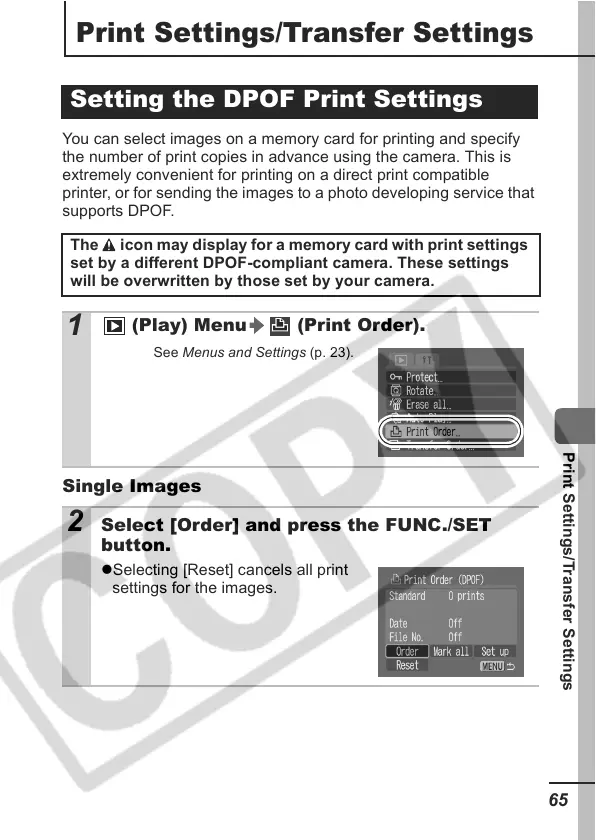
(Play) Menu (Print Order).
See Menus and Settings (p. 23).
2 Select [Order] and press the FUNC./SET
button.
zSelecting [Reset] cancels all print
settings for the images.


 To Next Page
 Loading...














