29
Terminating a Wireless LAN Connection
Use Wireless Connection 3 to terminate a wireless LAN connection between the projector and a
computer. Click the close button in the upper right corner of the Wireless Connection 3 window.
Initializing Wireless Connection 3
Performing the following procedure returns the passphrase/WEP key that is currently recorded on the
computer running Wireless Connection 3 to its initial default.
To initialize Wireless Connection 3
1.
On a Wireless Connection 3 window, click the function menu button and then
click [Initialize] on the menu that appears.
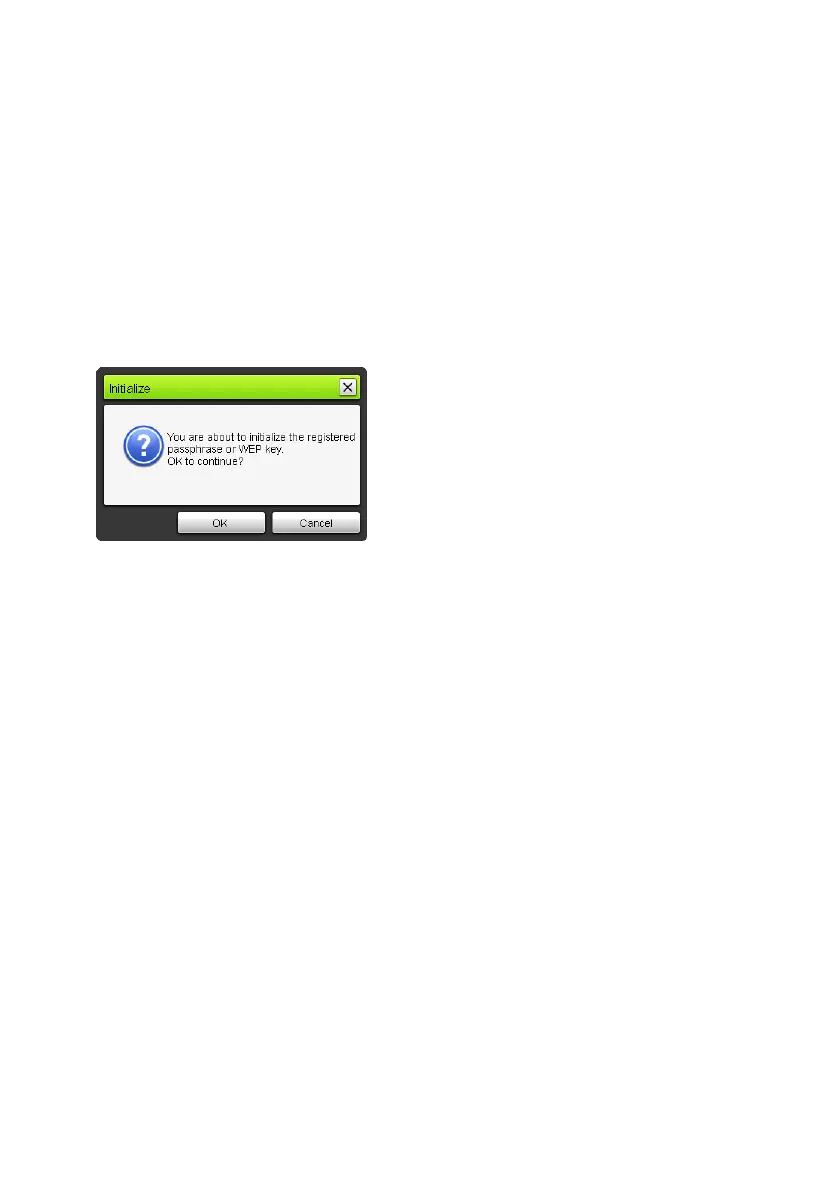
z This will cause the confirmation dialog box shown below to appear.
2.
Click [OK] to initialize or [Cancel] to cancel initialization.



 To Next Page
 Loading...









