35
Connecting a microphone to the projector’s MIC terminal makes it possible to output microphone
input through the projector’s speaker.
Use this terminal to connect a dynamic microphone.
Plug-in power type microphones are not supported.
If you have a network model projector, you can use a LAN cable to connect it to the network hub or
another device of an existing network. Use a 100BASE-TX or 10BASE-T standard Category 5 or higher
LAN cable for connection. Use of a shielded (STP) cable is recommended.
After connecting the projector to a network, you will be able to project the screen of any computer on
the network. You also will be able to control the projector and configure its settings from a computer.
For details, see the separate “Network Function Guide”.
Connecting a Microphone (XJ-UT Series, XJ-F21XN, XJ-F211WN,
XJ-S400UN, XJ-S400WN)
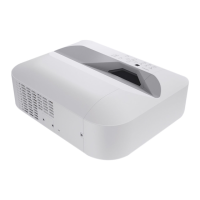
XJ-UT Series XJ-F21XN, XJ-F211WN XJ-S400UN, XJ-S400WN
Connecting to a Network with a LAN Cable (Network Models
Only)
XJ-UT312WN, XJ-UT352WN XJ-F21XN, XJ-F211WN XJ-S400UN, XJ-S400WN
Projector Terminal Connection Cable Other Device Terminal
LAN LAN terminal (RJ-45)


 To Next Page
 Loading...