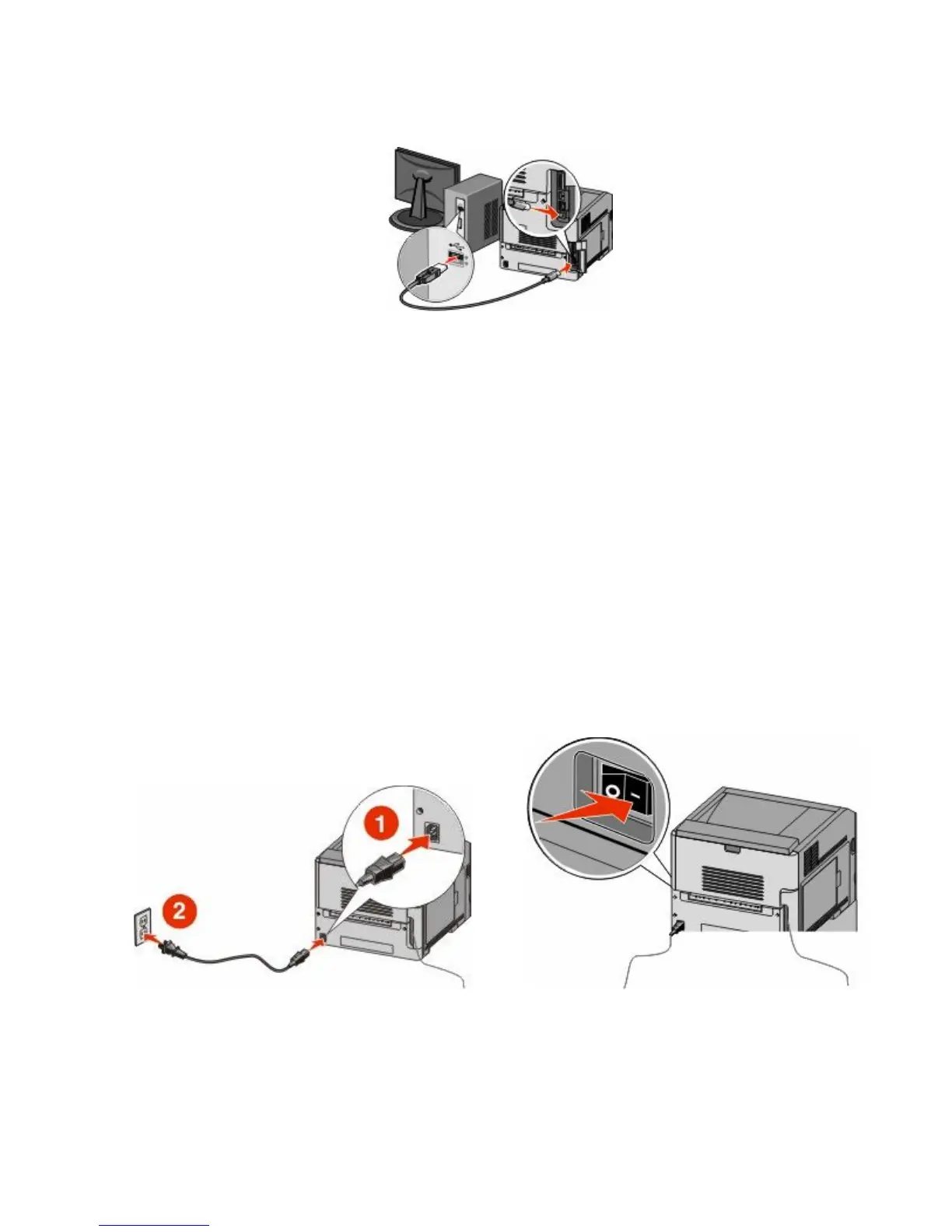
7 Connect the cables in the following order:
a Temporarily connect a USB cable between the computer on the wireless network and the printer.
Note: After the printer is configured, the software will instruct you to disconnect the temporary USB cable
so you can print wirelessly.
b If your printer has faxing capabilities, then connect the telephone cable.
8 Follow the on-screen instructions to complete the software installation.
9 To allow other computers on the wireless network to use the wireless printer, follow steps 2 through 6 and step
8 for each computer.
Installing the printer on a wireless network (Macintosh)
Prepare to configure the printer
1 Locate the printer MAC address on the sheet that shipped with the printer. Write the last six digits of the MAC
address in the space provided below:
MAC address: ___ ___ ___ ___ ___ ___
2 Connect the power cable to the printer and then to a properly grounded electrical outlet, and then turn the power
on.
Enter the printer information
1 Access the AirPort options.
Additional printer setup
40


 To Next Page
 Loading...