0
Getting Started Connections Setup Playback Remote Control Multi-Zone Information Troubleshooting Specifications
a
Play
The playback screen is displayed.
[Input source]
[Selectable items] Start
TUNER
NET/USB
XM
HD Radio
(
iPod
)
s
Auto Preset
Use the auto preset function to program radio stations.
[Input source] TUNER
HD Radio
If an FM station cannot be preset automatically, select the desired
station by tuning it in manually, then preset it manually.
Source Select
XM
a Play
d Preset Skip
A2 Antenna Aiming
g Input Mode
h Rename
j Other
HD Radio
a Play
s Auto Preset
d Preset Skip
f Preset Name
g Input Mode
h Rename
j Other
Setup
z : “Play” and “Playback Mode (iPod)” are displayed for input sources
for which “iPod dock” is assigned.
Settings Related to Playing
Input Sources
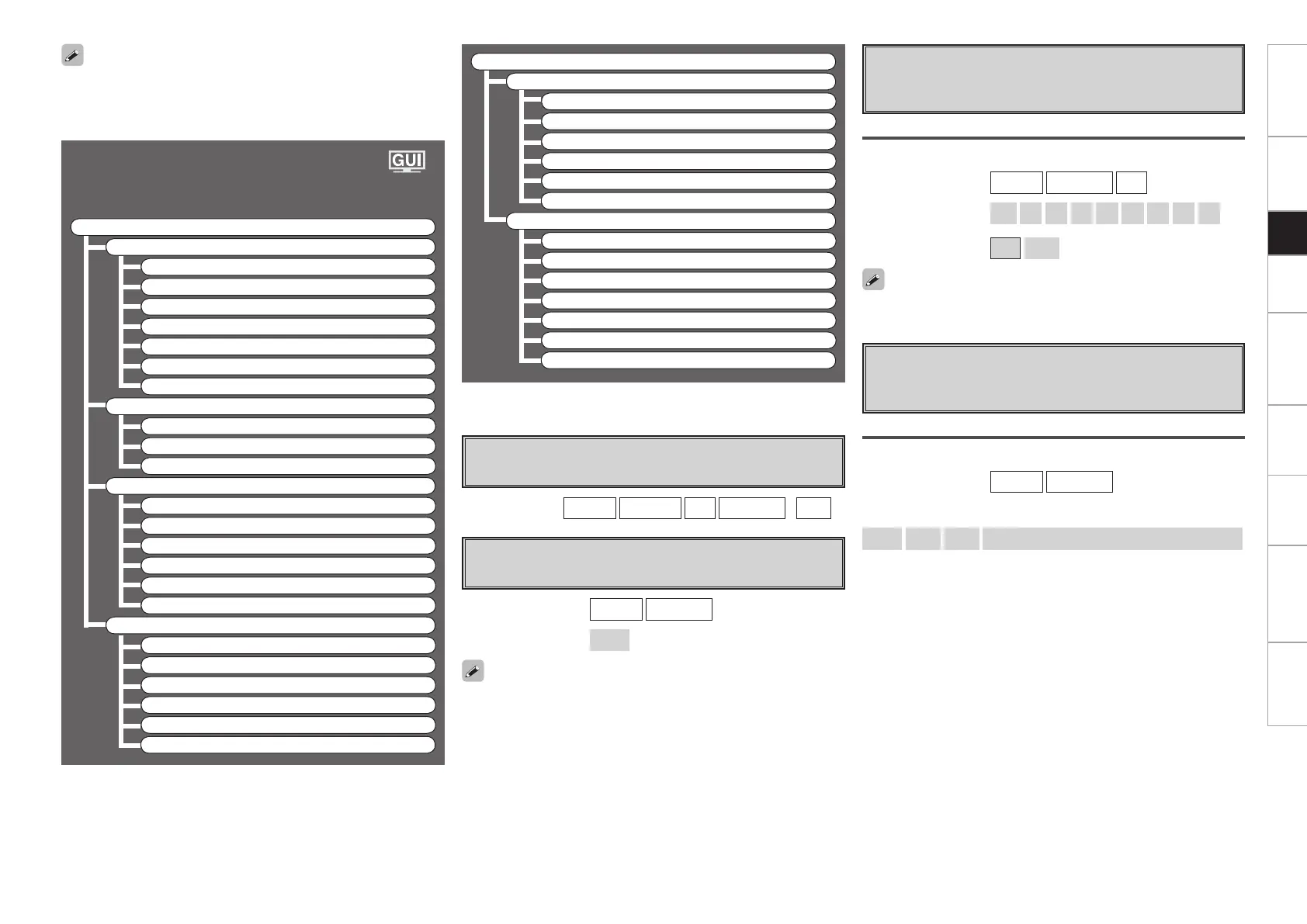
F Menu tree F
Source Select
TUNER
a Play
s Auto Preset
d Preset Skip
f Preset Name
g Input Mode
h Rename
j Other
PHONO
g Input Mode
h Rename
j Other
CD, DVD, HDP, TV/CBL, SAT, VCR, DVR, V.AUX
a Play
z
k Playback Mode (iPod)
z
l Assign
g Input Mode
h Rename
j Other
NET/USB
a Play
A0 Playback Mode
A1 Still Picture
g Input Mode
h Rename
j Other
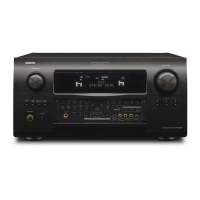
To operate the AVR-4308CI using the main remote control unit, set the
remote control unit to the AMP mode (vpage 64 “Remote Control
Unit Operations”).
[Selectable items] ON
Skip
d
Preset Skip
Set the preset memories that you do not want to display
when tuning.
[Input source] TUNER
HD Radio
XM
When set to “All” to “Skip”, it is possible to skip entire preset memory
blocks (A to G).
A ~ G
Select the preset channel(s) you do not want to display.
[Characters that can be input]
A ~ Z
a ~ z
0 ~ 9
! “ # % & ’ ( ) * + , - . / : ; < = > ? @ [ \ ] (space)
f
Preset Name
Assign name to a preset memory.
Names containing up to 8 characters can be input.
[Input source] TUNER
HD Radio
A1 ~ G8
Select the preset memory number.
[Selectable items]
All
1
2
3
4
5
6
7
8


 To Next Page
 Loading...