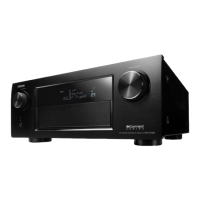
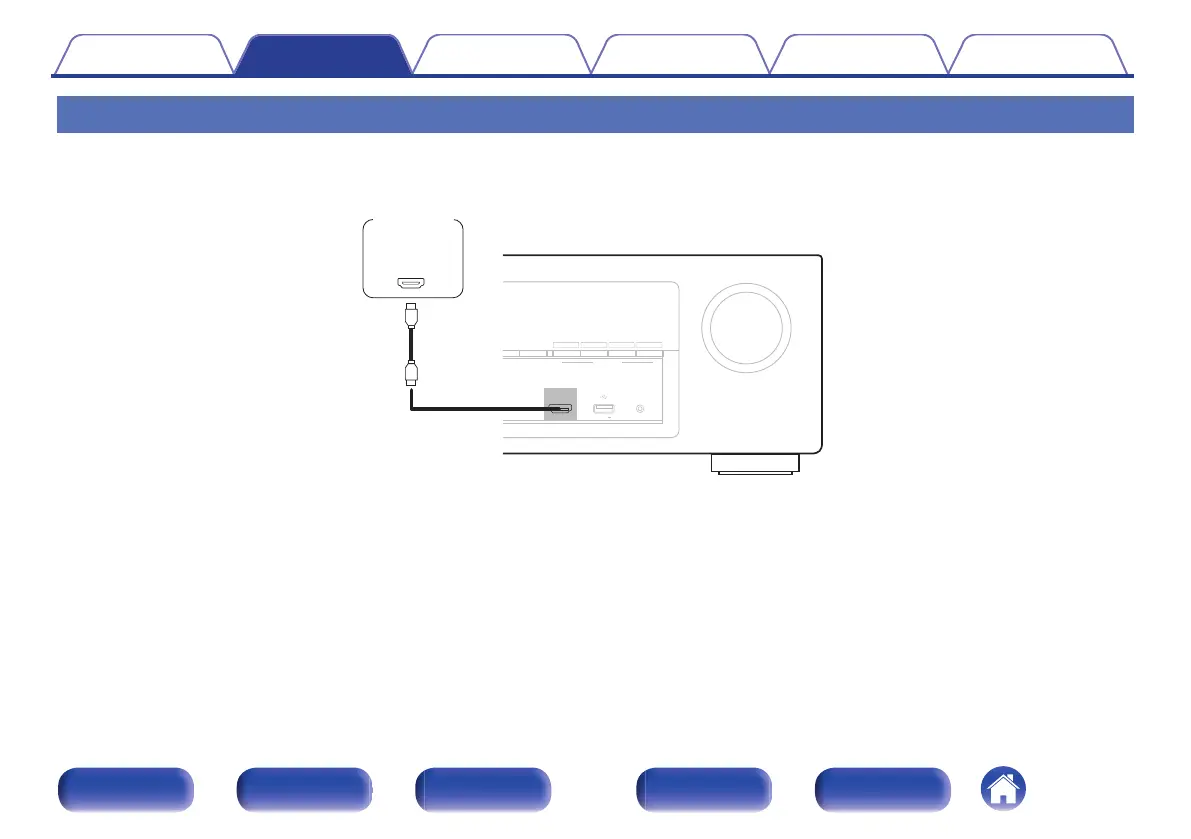
Connecting a video camcorder or game console
This explanation uses the connection with a video camcorders as an example.
Connect a playback device to this unit, such as a video camcorder or game console.
.
QUICK SELECT
MASTER VOLUME
MER STATUS
DVD/Blu-ray
ONLINE
MEDIA
PLAYER
CBL/SAT
3214
SETUP MICAUX - HDMI
5V/1A
OUT
HDMI
Video
camcorder
Contents Connections Playback Settings Tips Appendix
45
Front panel Display Rear panel Remote Index


 To Next Page
 Loading...