17
Setting Up the Joey
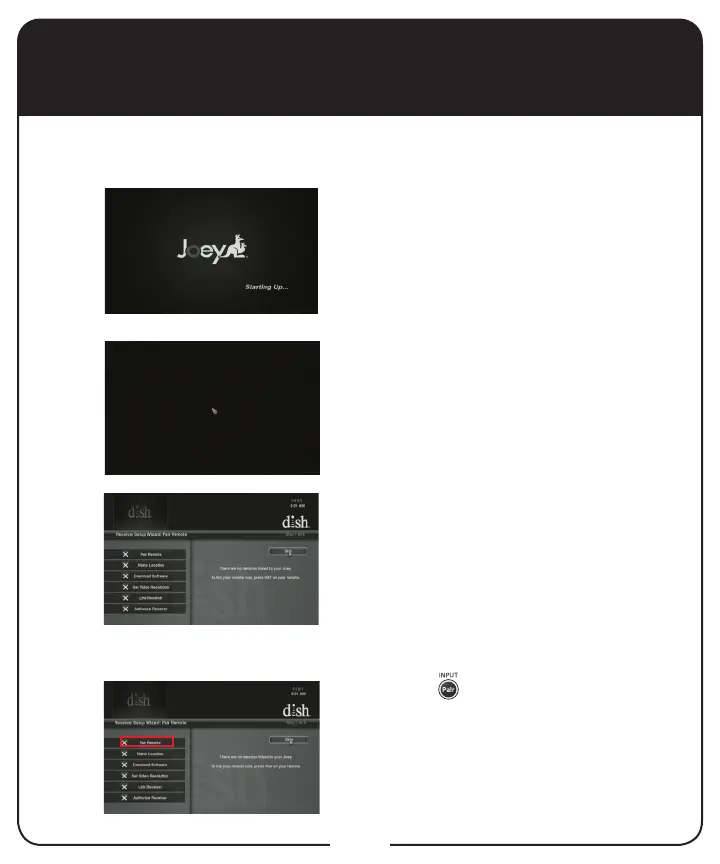
Turn on the Joey and your TV. The
Starting Up screen appears.
The cursor appears on the screen.
After a few minutes, the Receiver Setup
Wizard screen appears.
Press PAIR on your remote. The Pair
Remote option becomes highlighted.
1
2
Before setting up the Joey, make sure your Hopper is set up rst. To
set up the Joey, follow the steps below.



 To Next Page
 Loading...




