14
○○○○○○○○○○○○○○○○○○○○○○○○○○○○○○○○○
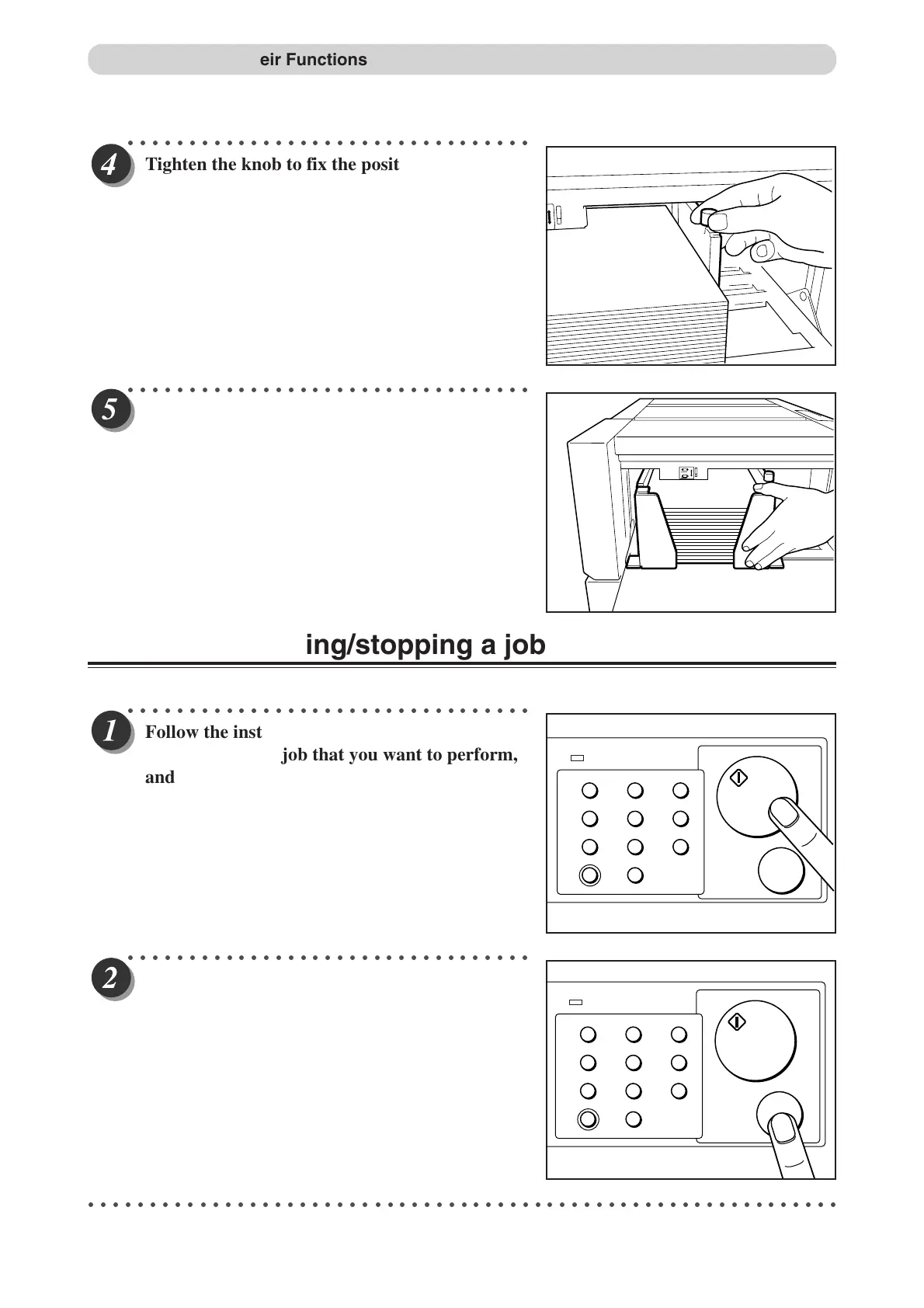
Tighten the knob to fix the position of the guide.
○○○○○○○○○○○○○○○○○○○○○○○○○○○○○○○○○
Set the stoppers.
Selecting/operating/stopping a job
○○○○○○○○○○○○○○○○○○○○○○○○○○○○○○○○○
Follow the instructions in the DC-545 manual to
select the type of job that you want to perform,
and then press START.
○○○○○○○○○○○○○○○○○○○○○○○○○○○○○○○○○
To stop the machine, press STOP.
○○○○○○○○○○○○○○○○○○○○○○○○○○○○○○○○○○○○○○○○○○○○○○○○○○○○○○○○○○○○○
1
4
7
C
2
5
8
0
3
6
9
POWER
START
STOP
1
4
7
C
2
5
8
0
3
6
9
POWER
START
STOP
Part Names and Their Functions
Docu Cutter(HC) 1_12-17 03.12.8, 3:08 PM14


 To Next Page
 Loading...




