Note: For UP3000-HM5042, UP3000-HM10022, and UP5000-HM8042, parameters vary
with the "220/230VAC system" curve. However, the min. PV open-circuit voltage and the
max. PV open-circuit voltage is different.
3.5 Settings
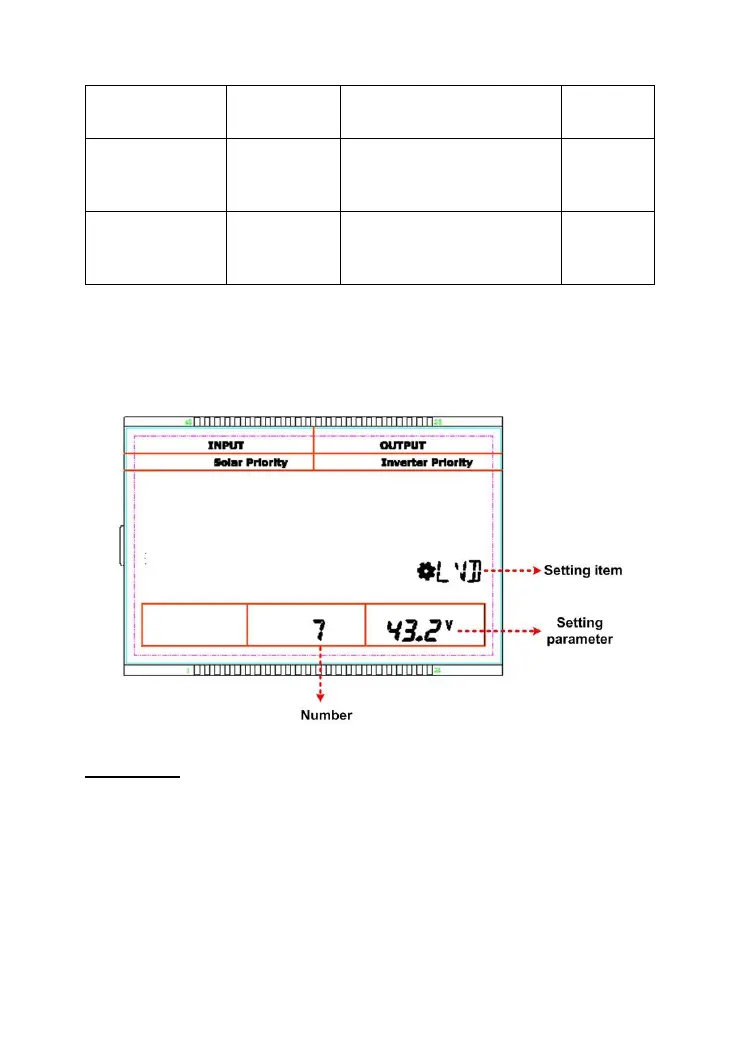
1) Standard interface for common users
Operations:
Step1:In the real-time interface, long-press the SET/ENTER button to enter the
standard interface.
Step2:Press the UP/DOWN button to select the setting item.
Step3:Long-press the SET/ENTER button to enter the parameter setting interface.
Step4:Press the UP/DOWN button to change the parameters.


 To Next Page
 Loading...