EDITING PRESET AMPLIFIER CONTROL KNOB SETTINGS
As noted in the “Control Panel” section above, users can change a preset’s amplier control knob settings by
turning the physical control knobs on the top panel (except for Master Volume). This synchronizes the modi-
ed settings of the physical control knobs with their corresponding digital counterparts.
These settings can also be changed by editing the digital control knob positions within the CONTROLS
LAYER, which displays the controls specic to the amp in use. To do this, rst access the CONTROLS LAYER by
pressing its LAYER BUTTON (see illustration below).
Once in the CONTROLS LAYER, turn and press the ENCODER to scroll through and select a specic digital amp
control knob. Then turn the ENCODER again to change that control’s setting. When a control setting is changed,
the box containing the preset number changes from blue to red (indicating that a preset edit has been made),
and the SAVE utility button illuminates. With the new control setting in place, further edits can then be made or
the SAVE utility button can be pressed to keep completed edits (see illustrations on following page).
Press the bottom LAYER BUTTON to access the CONTROLS LAYER for the amp model within the preset.
13
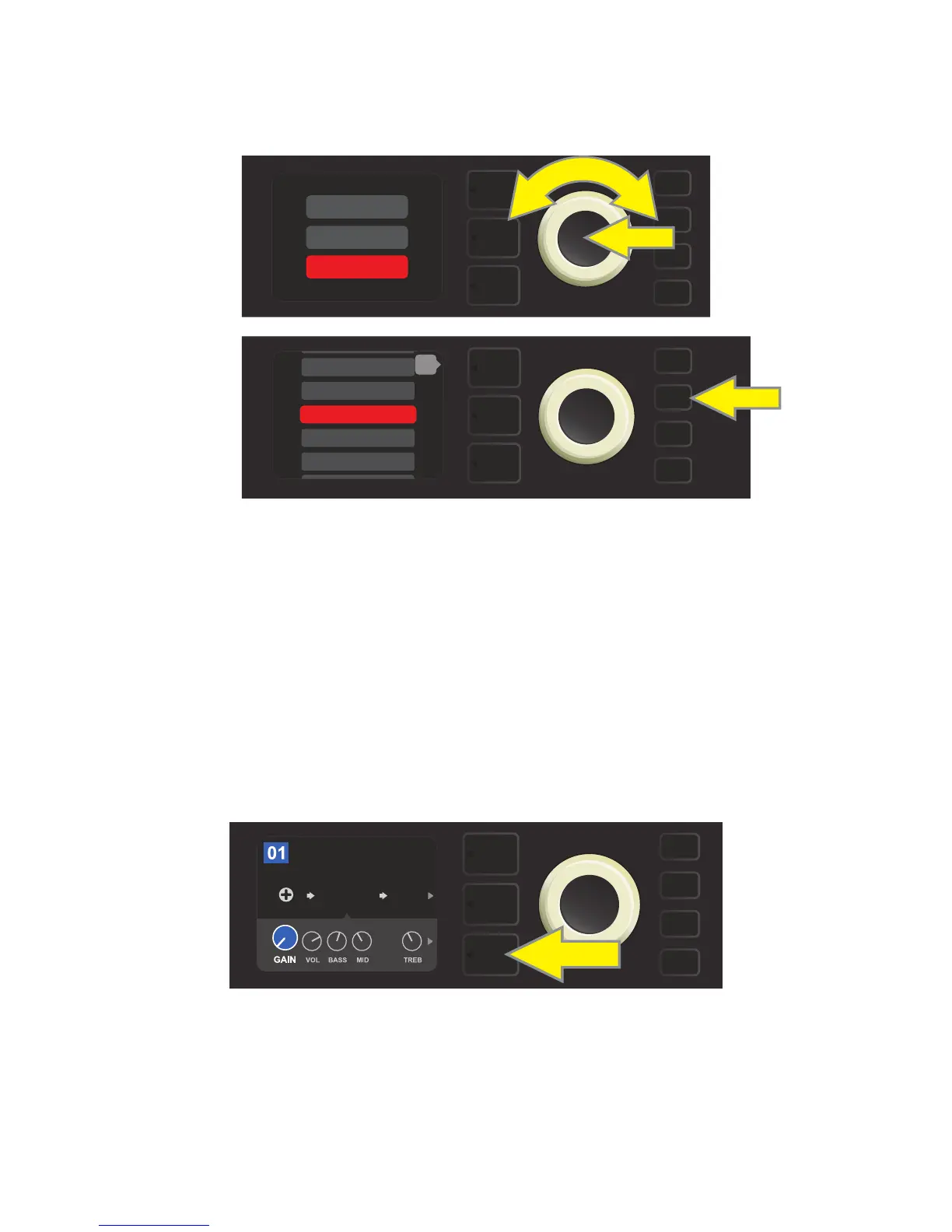
RENAME: For saving the edited preset in its original position and giving it a dierent name. To do this, press
the SAVE utility button and use the ENCODER to scroll to and select “RENAME.” The preset name will be high-
lighted in red (see illustrations below). Use the ENCODER to enter a new name using the process described on
page 11, then press the SAVE utility button when renaming is complete.
SAVE
SAVE
SAVE AS
RENAME
SAVE
199 - EMPTY
200 - EMPTY
2 - RUMBLE V3 C>
3 - RUMBLE V3 D>
back
1 - RUMBLE V2 C>
FREQ
AMPLIFIER
BASIC BASSMAN CL
SUPER
BMAN-OD
SMALL
ROOM
1000



 To Next Page
 Loading...










