26
Entering the Room Number
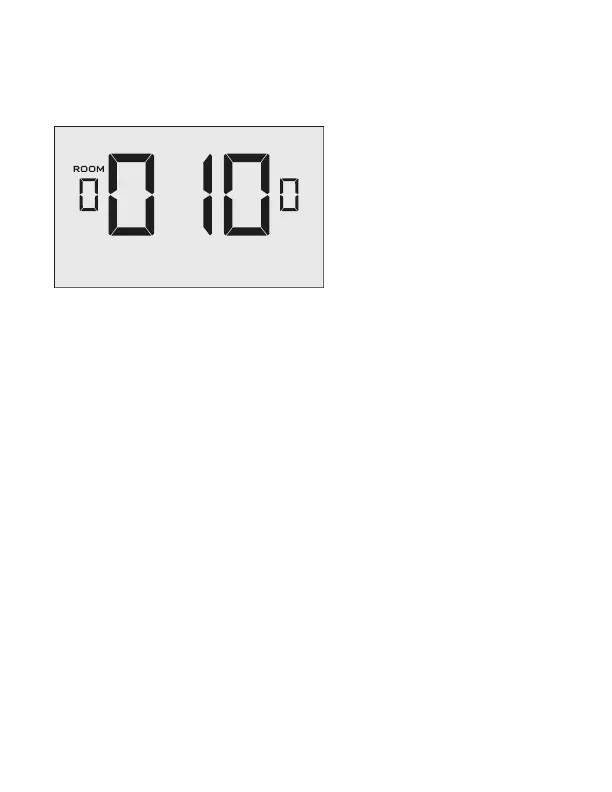
Enter the room number by changing the characters on the screen.
Available characters include digits 0-9 and letters A-F. To distinguish between two or
more thermostats in the same unit, enter as follows:
Thermostat 1: 00100
Thermostat 2: 0100A
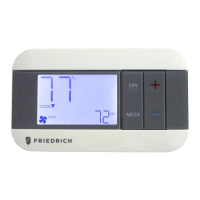
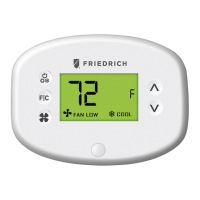
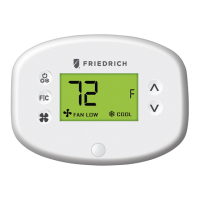
➤ Press the FAN button to advance to the next digit;
➤ Press the UP and DOWN buttons to increase or decrease the value;
➤ Press the F|C button to advance to the next menu.
Entering the room number correctly is crucial for proper operation of thermostats
with online management.
General: Thermostat Configuration


 To Next Page
 Loading...