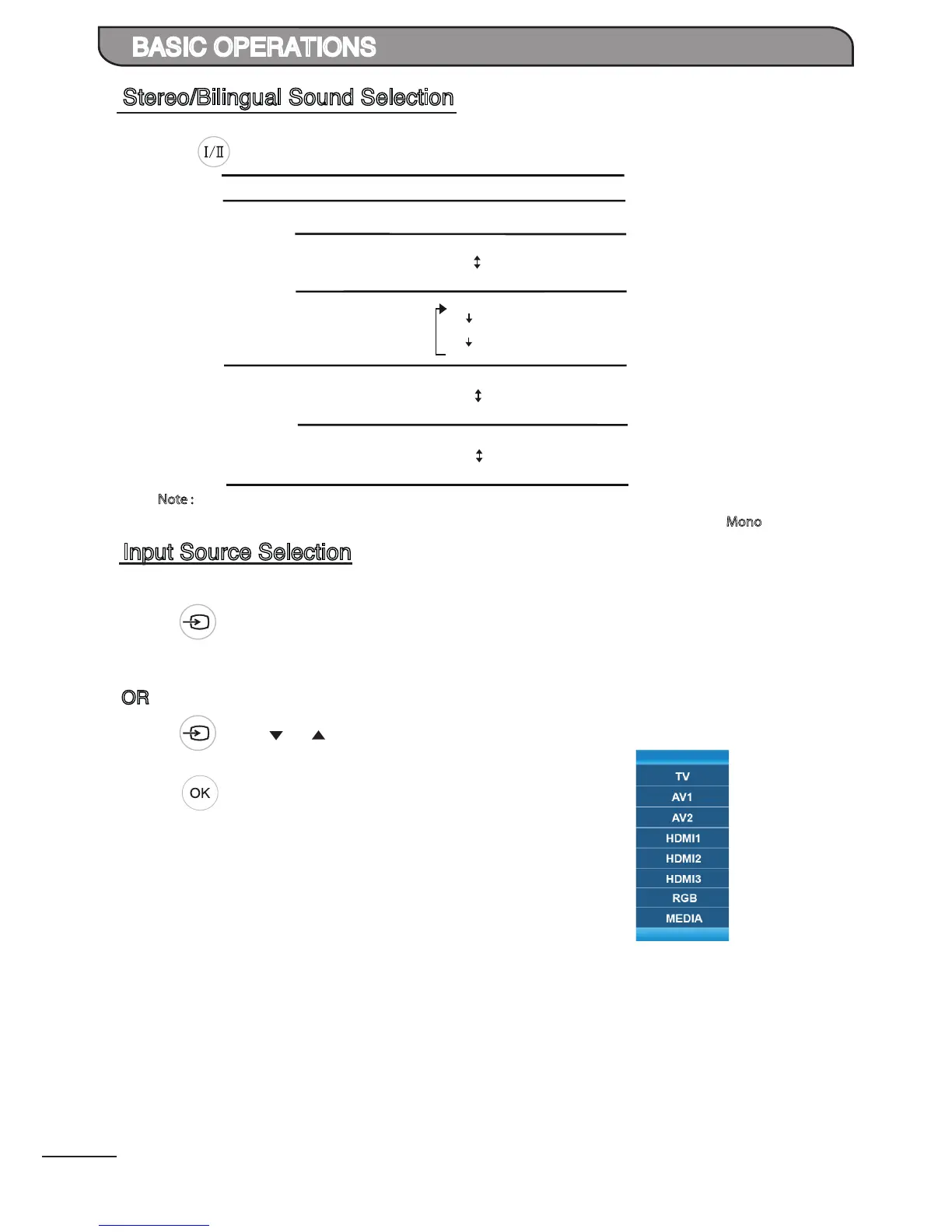
To select input source, TV, AV1, AV2, HDMI1, HDMI2, HDMI3, RGB, MEDIA.
Press [ ] on remote control or touch sensor located at bottom-left of the TV to select
the desired input source.
OR
Press [ ] and [ ] / [ ] on remote control to select the desired input source.
Press [ ] to conrm selection.
When receiving stereo/bilingual sound system, you can select the sound output modes
by using [ ].
13
Input Source Selection
Stereo/Bilingual Sound Selection
Broadcasting Selection
NICAM Mono Mono
Stereo Stereo
Mono
Bilingual Main
Sub
Mono
Note :
- If the stereo sound is weak when receiving a stereo program, you can switch to “Mono”.
Stereo Stereo
Mono
Bilingual Main
Sub
A2
BASIC OPERATIONS



 To Next Page
 Loading...