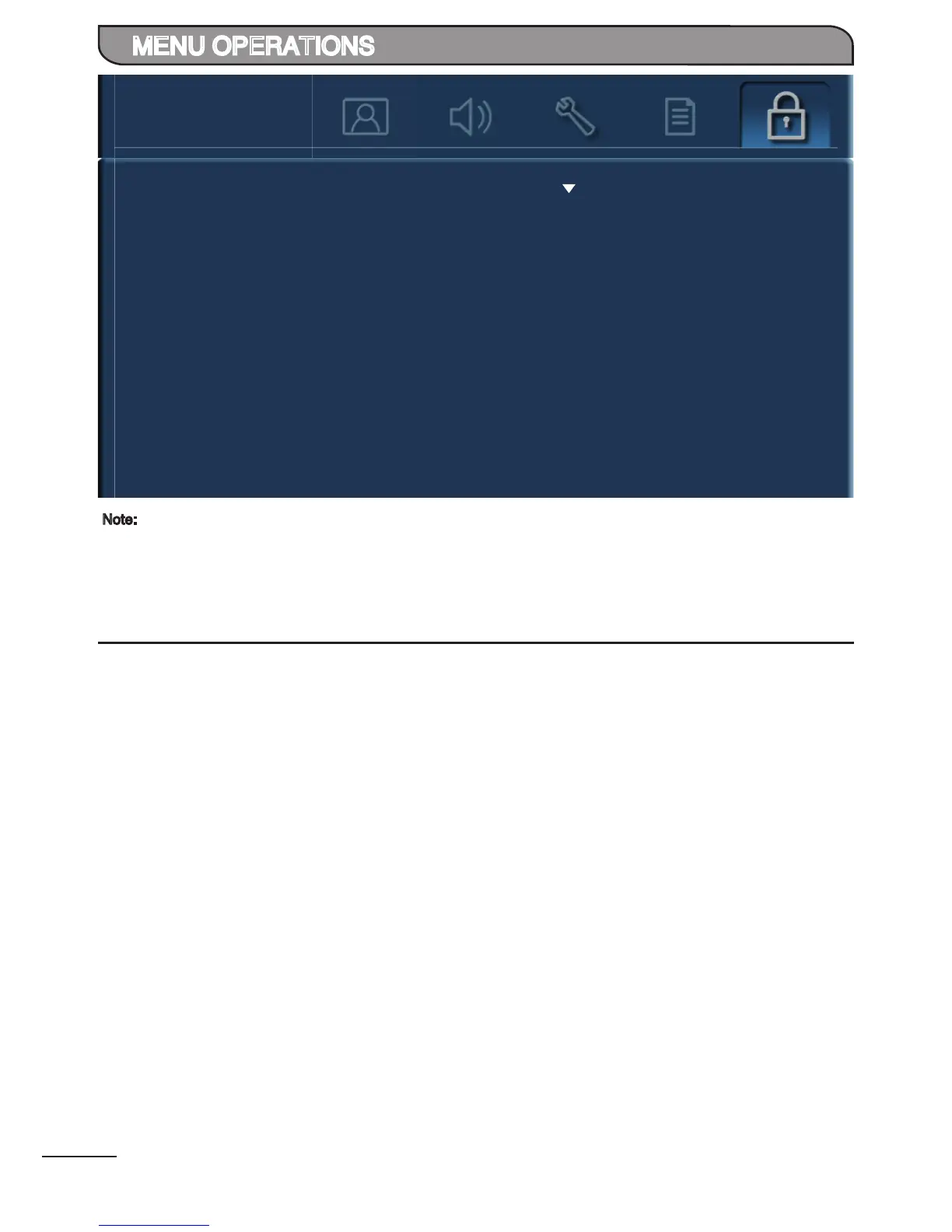
Allow user to change password. Press [ ] to proceed.
Front touch sensor will be inactive.
Set Password
Lock Panel Keys
Note:
Default password is [0000].
In the event whereby new password is forgotten, it can be reset to default password. Please be mindful that all
other picture and audio settings will also be reset to default values.


 To Next Page
 Loading...