(1 - 255)
Auto / PAL / NTSC / SECAM
(BG / I / DK / M)
Channel number of current channel.
Commence channel searching process.
Fine tune the current channel.
Change the order of the channels stored on the TV.
(Channel No. / Channel Name)
Red : Delete Green : Rename
Yellow : Move Blue : Skip
OK : Set MENU : Return
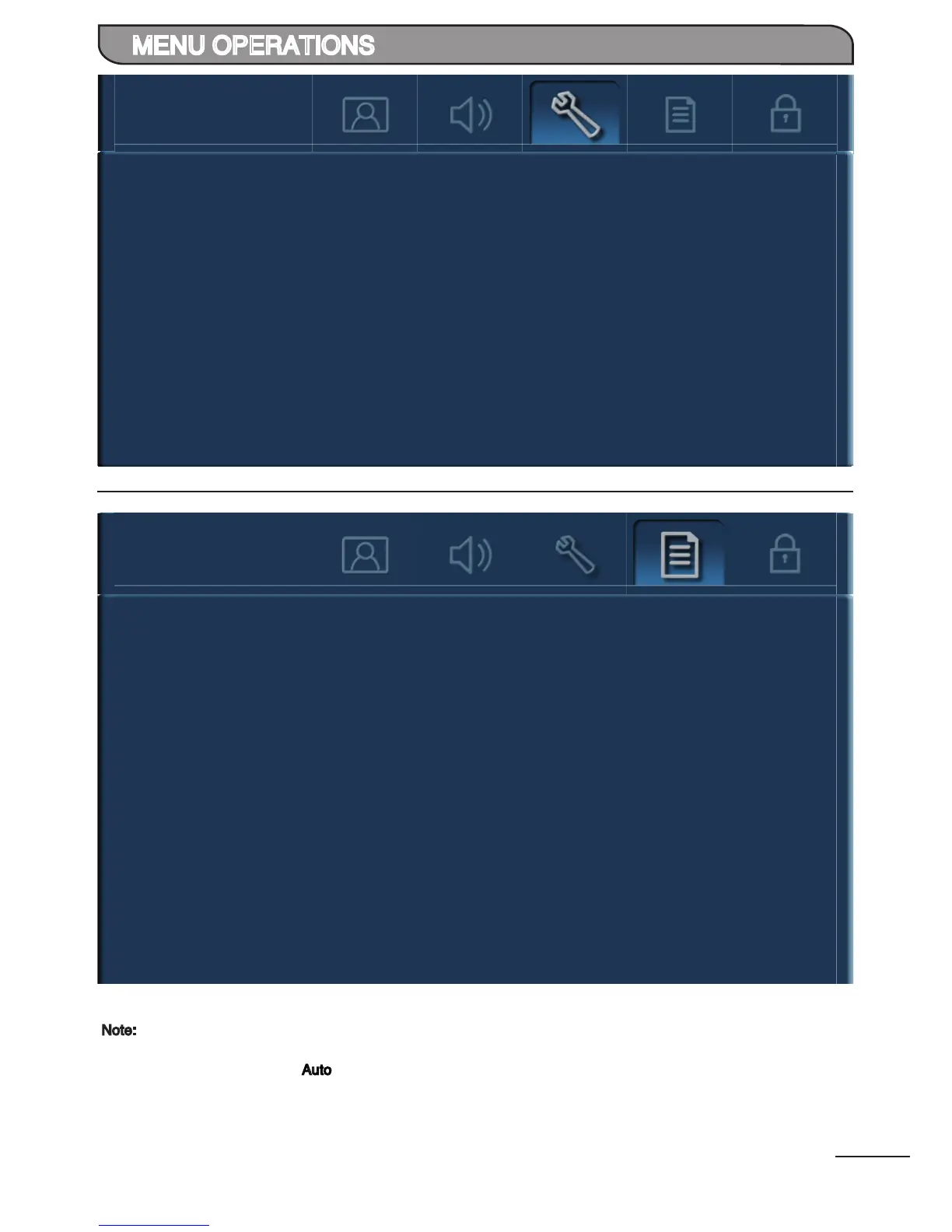
Auto Tuning
Manual Tuning
Save To
Color System
Sound System
Current Channel
Search
Fine Tuning
Channel Sorting
Language
TXT Language
1
Backlight
2
100/120Hz Scan
100/120Hz Demo
3
Audio Only
Reset
4
Select the on-screen display language.
(English / Simplied Chinese / Traditional Chinese / Russian / Arabic)
Select the desired Teletext language.
(West Europe / Russian / East Europe / Arabic)
Adjust peak brightness of the backlight according to the scenes.
(Auto / Low / Middle / High)
Select “On” to reduce motion blur or judder during fast moving scenes.
(On / Off)
Select the desired demostration mode of 100/120Hz effect.
(Off / Demo On Top
/ Demo On Bottom / Demo On Left / Demo On Right
)
Select to switch off the TV display and output the audio only.
(Display On / Display Off)
Restore the menu setting back to default.
Note:
1
Available in TV mode only.
2
Set “Backlight” to “Auto” , ambient sensor will auto adjust the backlight according to the scene and
ambient lighting condition.
3
To prevent damage to the display panel, do not view demo mode for prolong period of time.
4
Press any key to resume TV display.


 To Next Page
 Loading...