Software Guide 7–1
7
Presentation Mode
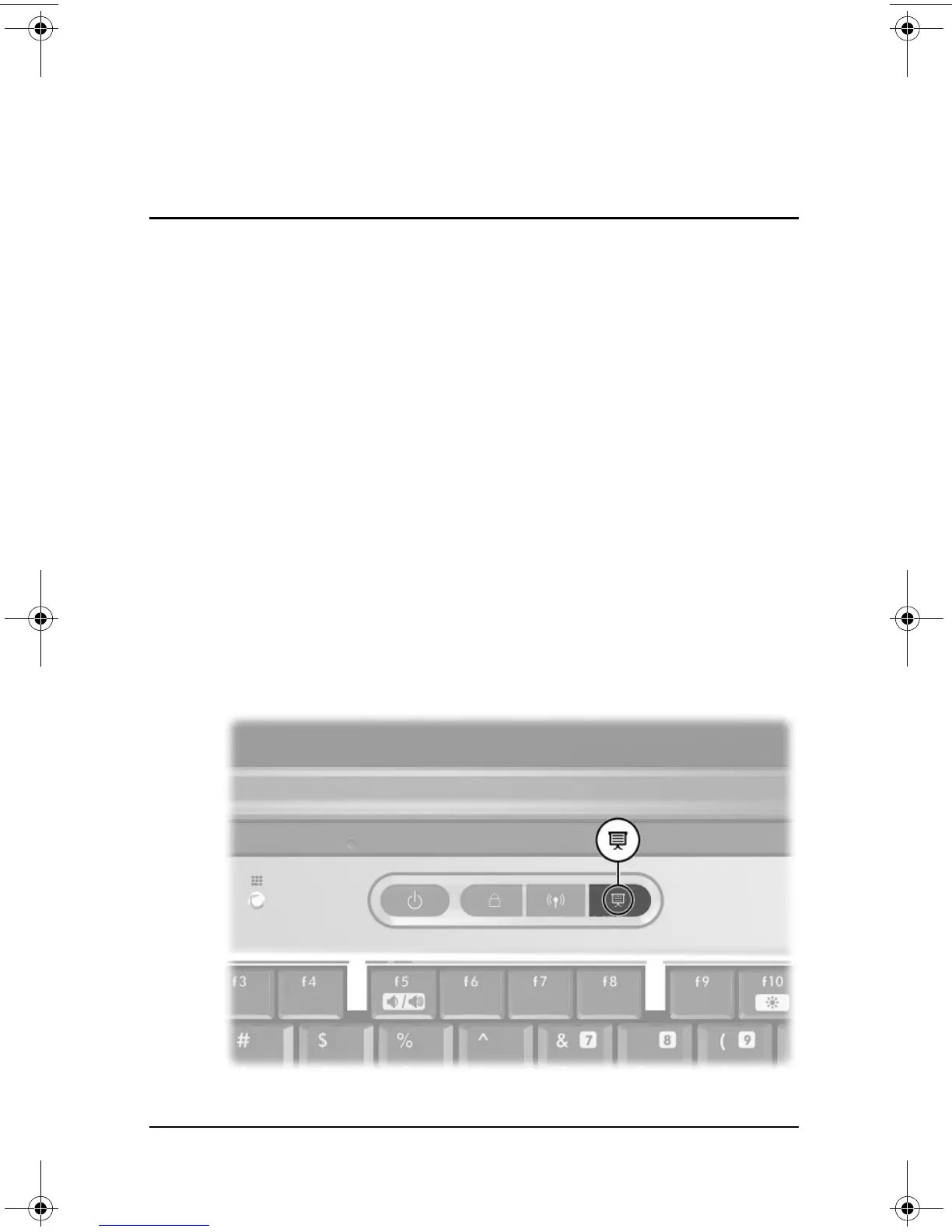
Presentation Mode is the only Quick Launch button that can
be programmed by the user. The remaining Quick Launch
buttons—DriveLock and Wireless On/Off—are programmed
at the factory, and the button settings cannot be configured by
the user.
The Presentation Mode Quick Launch button toggles
Presentation Mode on and off. Turning Presentation Mode on
opens an application, folder, file, or Web site that you specify.
The image simultaneously displays on the notebook screen and
an external device connected to the external monitor connector or
S-Video out jack on the rear panel or to connectors on an optional
Port Replicator. For more information on Quick Launch buttons,
refer on the Documentation Library CD to the Hardware Guide,
“Pointing Devices and Keyboard” chapter.
333634-001.book Page 1 Friday, July 18, 2003 8:47 AM


 To Next Page
 Loading...











