4
1.5 Getting started
Before using your watch, following these steps to pair it with your phone.
1. Before setting up your watch, download the Android Wear app from Google Play
TM
or
the Apple App Store and install it on your phone.
2. Press and hold the power button to power on your watch and then select the desired
language.
3. Enable Bluetooth on your phone, launch the Android Wear app, and pair your phone
with the Huawei Watch according to the onscreen instructions.
4. This will sync settings, the time, and other data to your Huawei Watch. Once complete,
you can start using your watch.
5. After the sync is complete, try the gestures shown on onscreen to familiarize yourself
with the watch's basic gestures and features.
You must use the Android Wear app to pair your watch with your phone. Do not use your phone's
own Bluetooth interface.
You need to use the phone with Android 4.3 or later/iOS 8.2 or later.
You will not be able to use your watch if you cannot pair it with your phone. Try resetting the watch,
restart your phone, turn Bluetooth on and off again, and then try re-pairing.
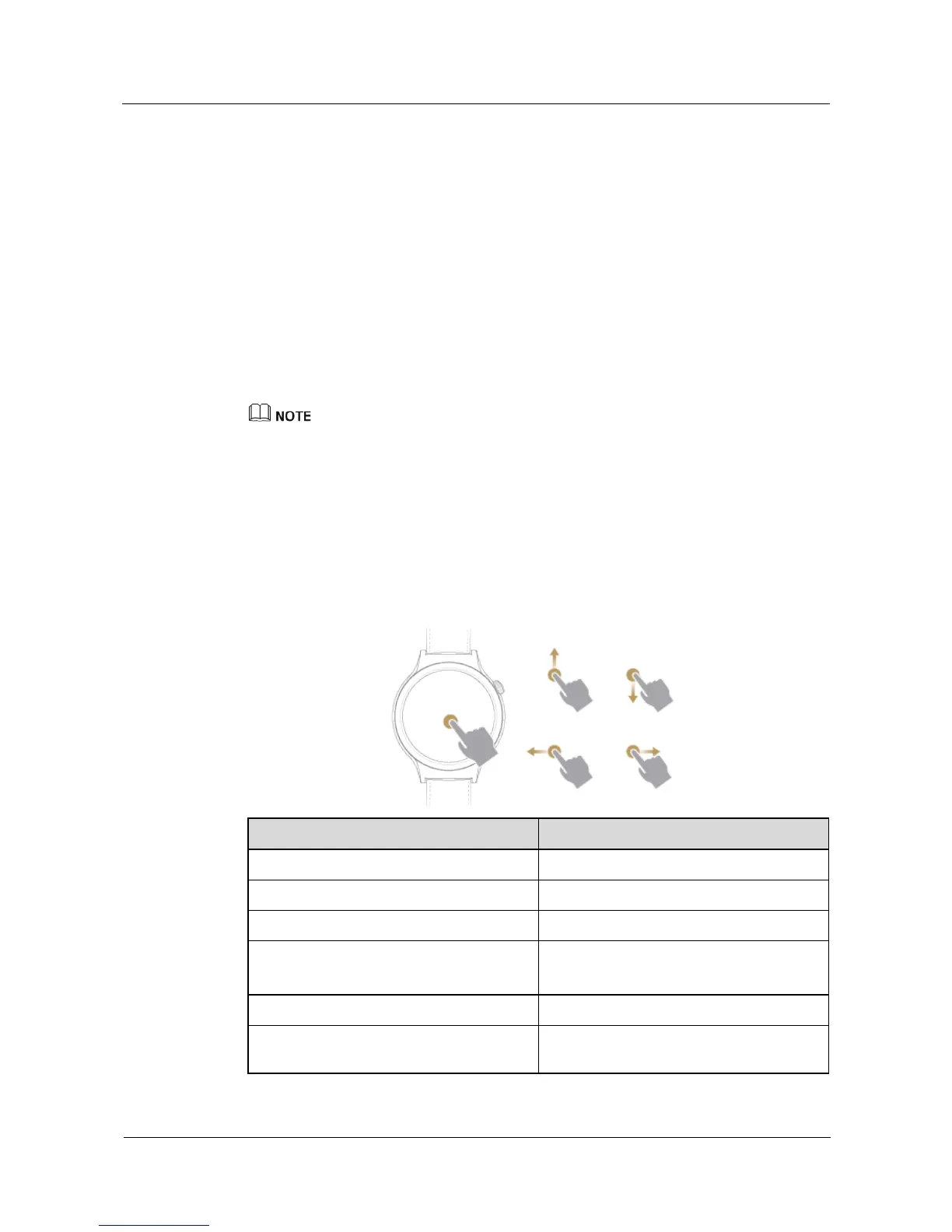
1.6 Gestures
On your HUAWEI WATCH, you can touch, touch and hold, and swipe on its screen.
Gestures Note
Touch Select and confirm.
Touch and hold (On the home screen) Access the watch face selection menu.
Swipe up View card information.
Swipe down View quick settings.
Hide a card.
Swipe left View card menus.
Swipe right
Delete a card, exit a card menu, or go back
to the home screen.


 To Next Page
 Loading...












