18
6
SCAN OPERATION
1
2
3
4
5
6
7
8
9
10
11
12
13
14
15
16
Starting a scan ■
Set the scan type (Priority or Normal scan), WX Alert function
and Scan Timer function in advance, using the se mode.
To select a scan type:
Select the scan type between Normal scan and Priority scan.
Push q [MENU].
Push w [Y] or [Z] to select “Radio Settings”, then push [EN-
TER].
Select “ e Scan Type”, then push [ENTER].
r Select “Normal Scan” or “Priority Scan” and push [ENTER]
to program.
t Select “BACK” to return to the previous page, or simply
select “EXIT” to return to the main menu screen.
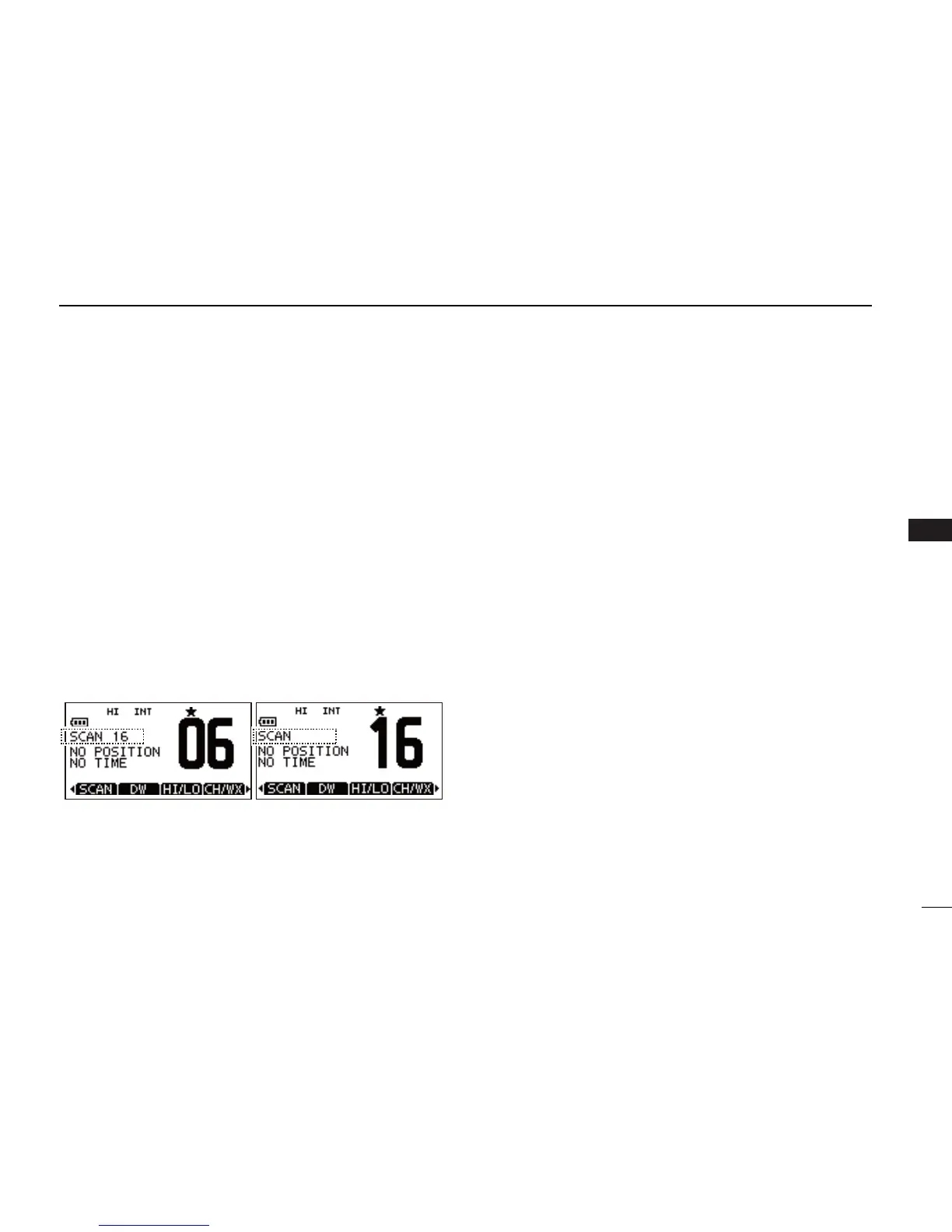
•“SCAN”appears if“Normal Scan” is selected, and “SCAN 16”
apppears if “Priority Scan” is selected as show below.
To scan:
Select “SCAN” and push on the soft key to start or stop scan-
ning.
•Pushing[PTT] also stops the scan.
•Whenasignalisreceived,scanpausesuntilthesignaldisappears
or resumes after pausing for 5 seconds according to the Scan Timer
setting.
•While scanning, push [Y] or [Z] to check which channels have
been set as TAG channels or to change the scanning direction.



 To Next Page
 Loading...










