Perform Setup
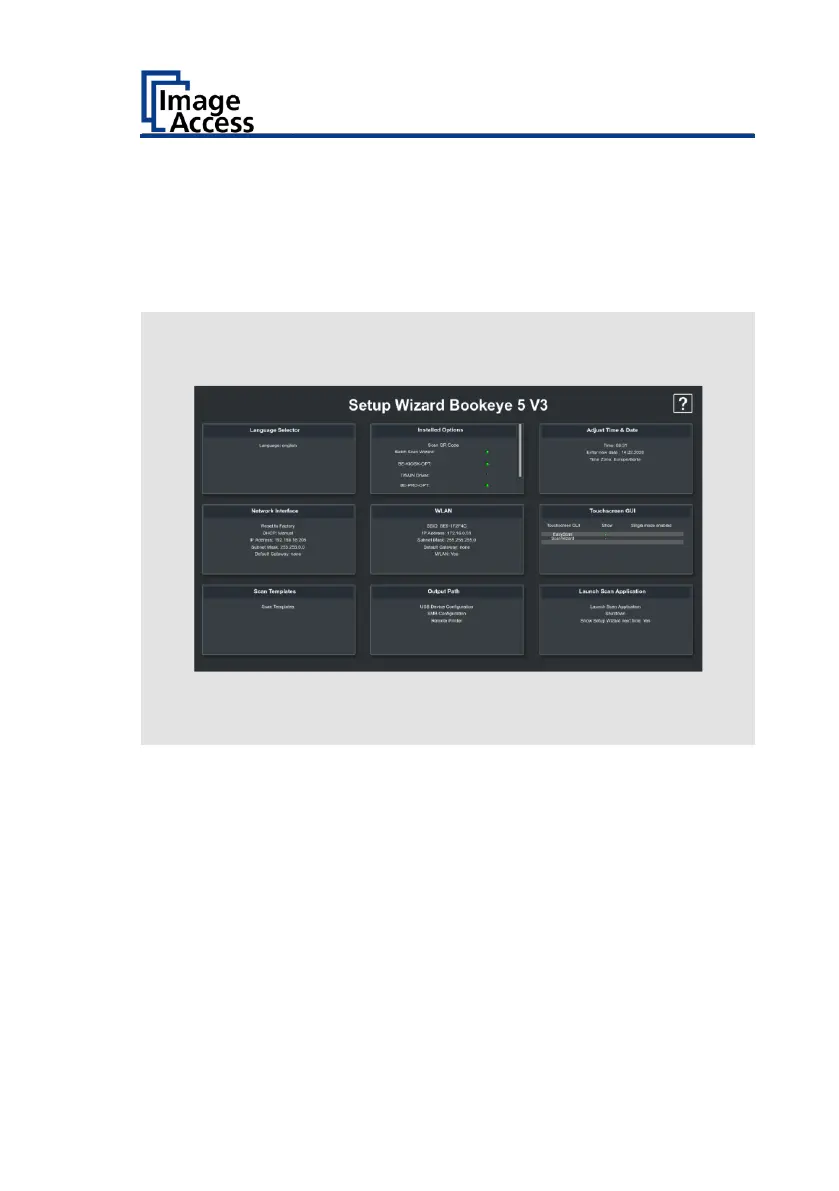
Setup Wizard
The Setup Wizard is displayed on the touchscreen immediately after the
startup process is completed.
The Setup Wizard allows the user to perform the initial settings on the
touchscreen of a Scan2Net scanner. After the Setup Wizard has been run
through successfully, the scanner can be used immediately without any
further necessary settings.


 To Next Page
 Loading...




