Page 20
WHITEBOARD
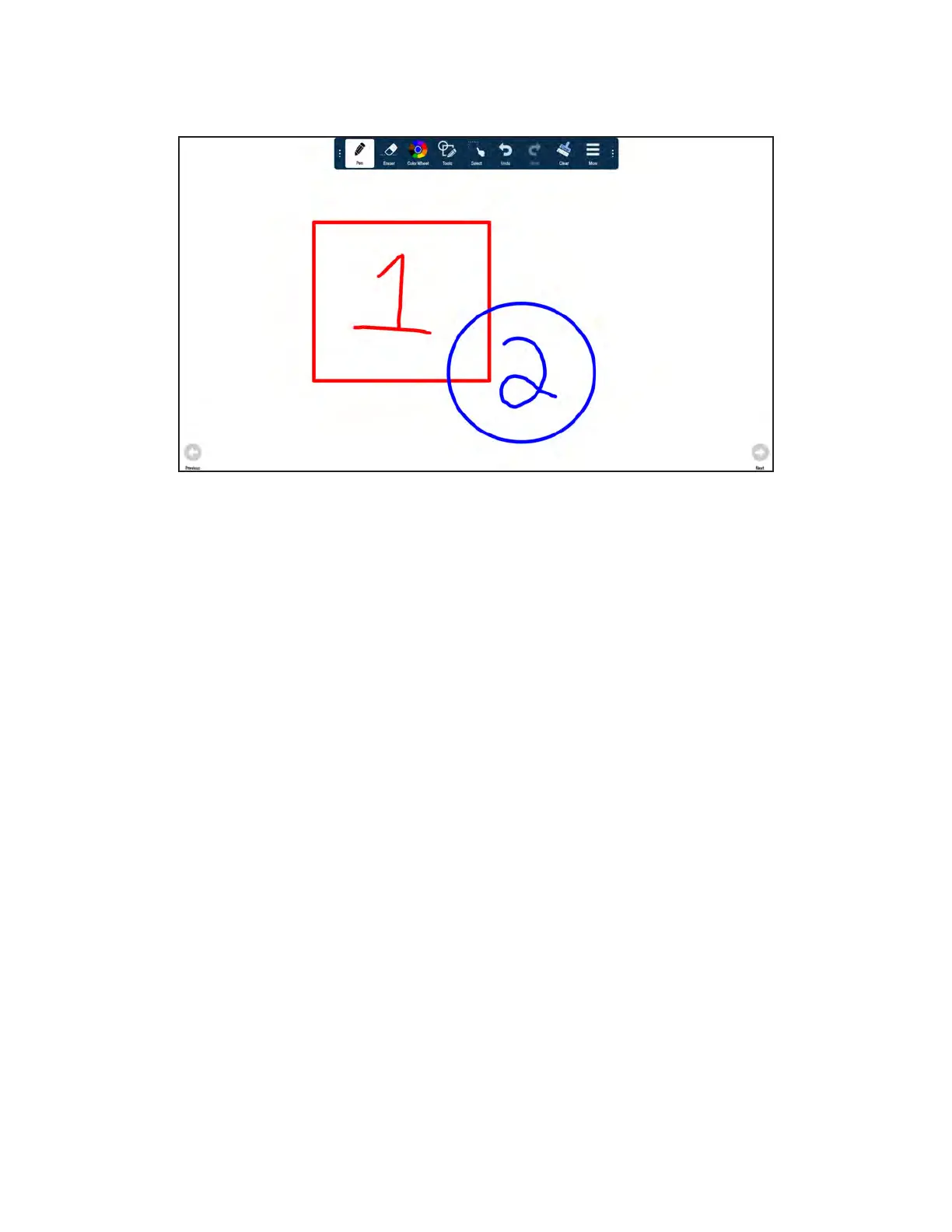
Create a drawing object
1) Tap a drawing object from the Tools submenu.
1) Select the color, size, and opacity desired.
2) Draw on the whiteboard canvas with your finger or the stylus. TIP: Keep other objects, including writing utensils,
other fingers, and knuckles away from the drawing surface to draw your image cleanly.
3) Use Eraser, Select, Undo, and Redo to modify the drawing. See "Whiteboard Tools" on page 28 for more
information.



 To Next Page
 Loading...





