Page 34
3) Tap OK.
Software version
From the Systems and Security section of the Settings menu, tap About LIghtCast to display the current software
version.
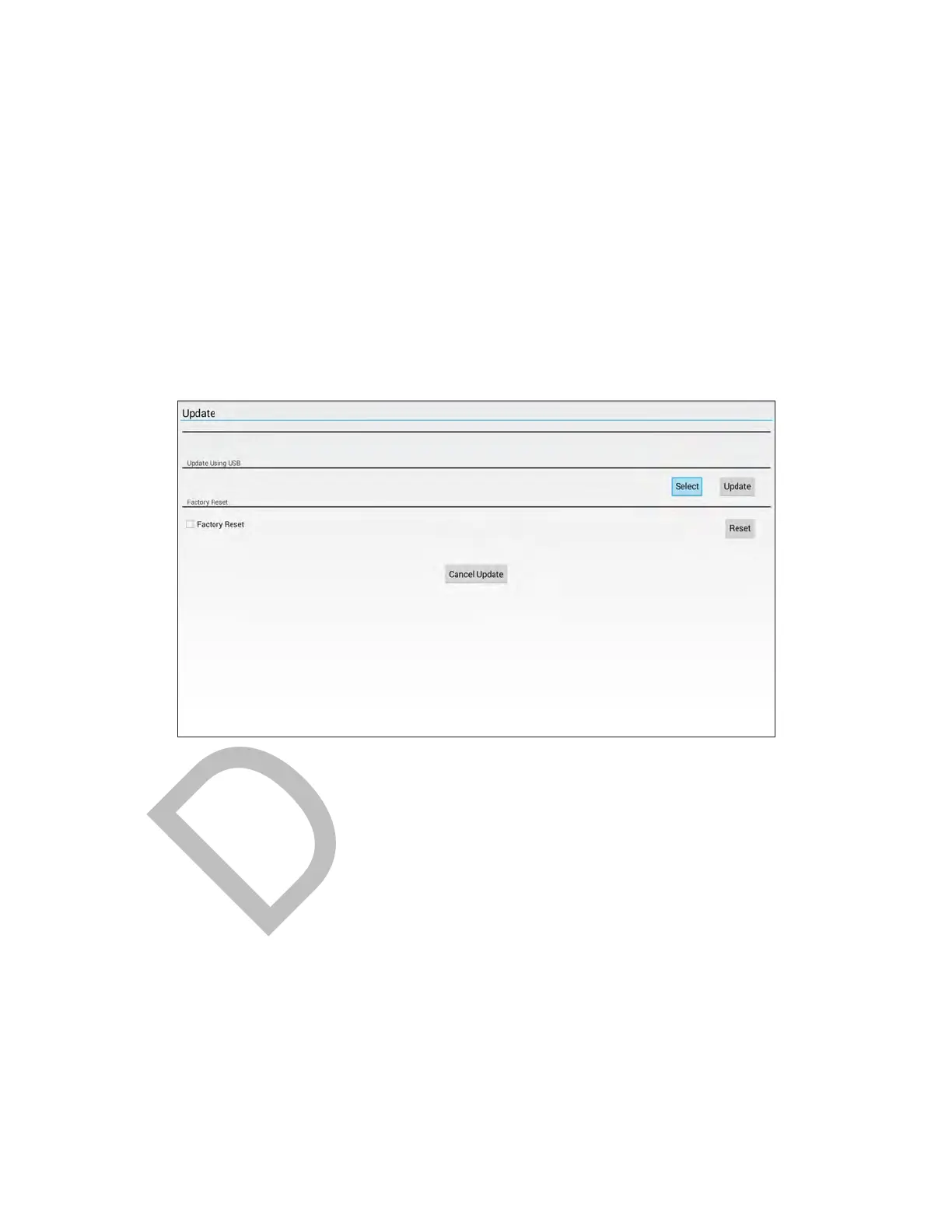
Update the monitor
1) From the Systems and Security section of the Settings menu, tap Firmware Update.
2) Insert a USB thumb drive into the side of the monitor.
3) Tap Select to choose which file to use for the upgrade.
4) Once selected, press Update to begin the update process.
Reset to factory default settings
1) From the Systems and Security section of the Settings menu, tap Firmware Update.
2) Tap the Factory Reset check box to place a check mark in it.
3) Tap the Reset button.



 To Next Page
 Loading...





