Security Function Ver. 1.02 Mar. 2016 10. Firmware rewriting
41
10.2.4 Entering the machine type information
• When MFP board is replaced, it is necessary to enter the machine type information.
• Refer to the following procedures to enter the machine type information.
A. Procedure
1. Insert the USB memory to the USB port.
2. Turn ON the main power switch.
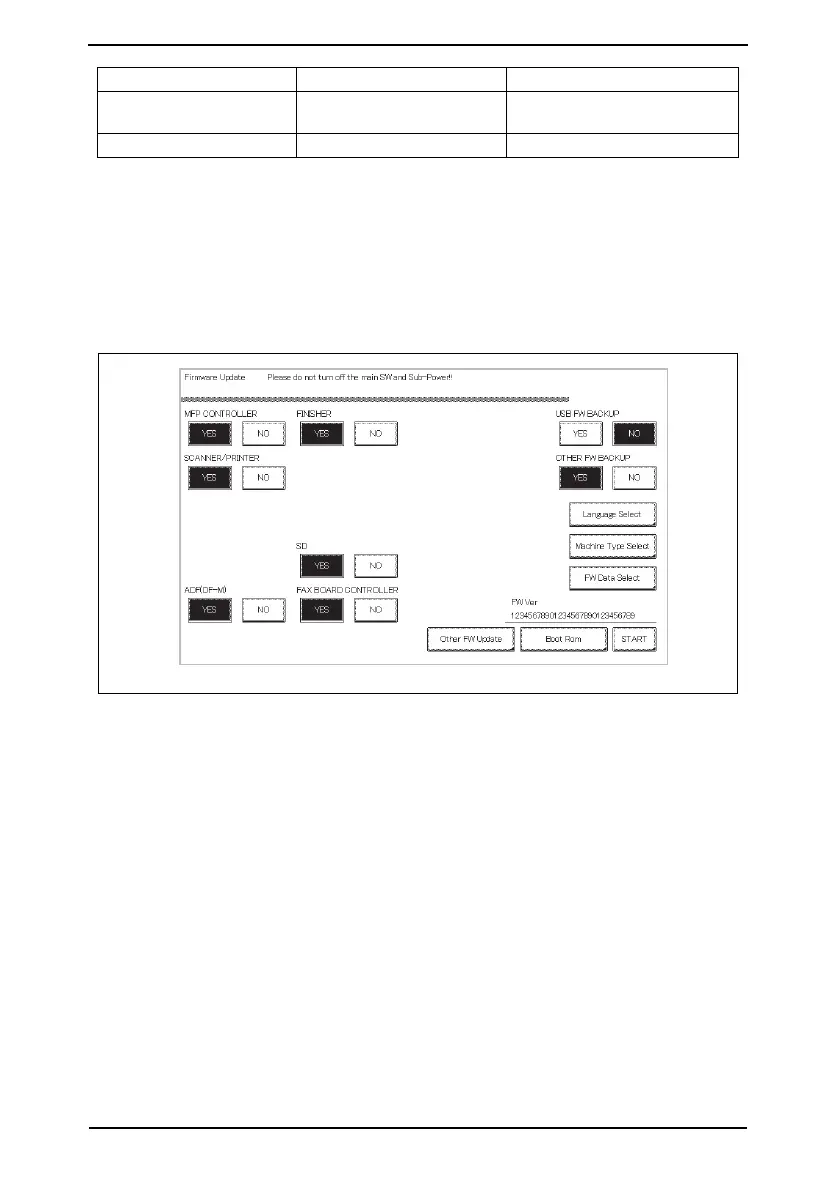
3. Touch [Machine Type Select].
FINISHER FS control board (FSCB)
Only when FS-533/FS-534 is
mounted
SD SD drive board (SDDB) Only when FS-534SD is mounted
F/W to be updated Appropriate board Remark
A7AHS1E021DA


 To Next Page
 Loading...









