13/28
Handset Settings
Security Settings
Security Settings
Enabling USIM/eSIM PIN
Changing USIM/eSIM PIN
Security Settings
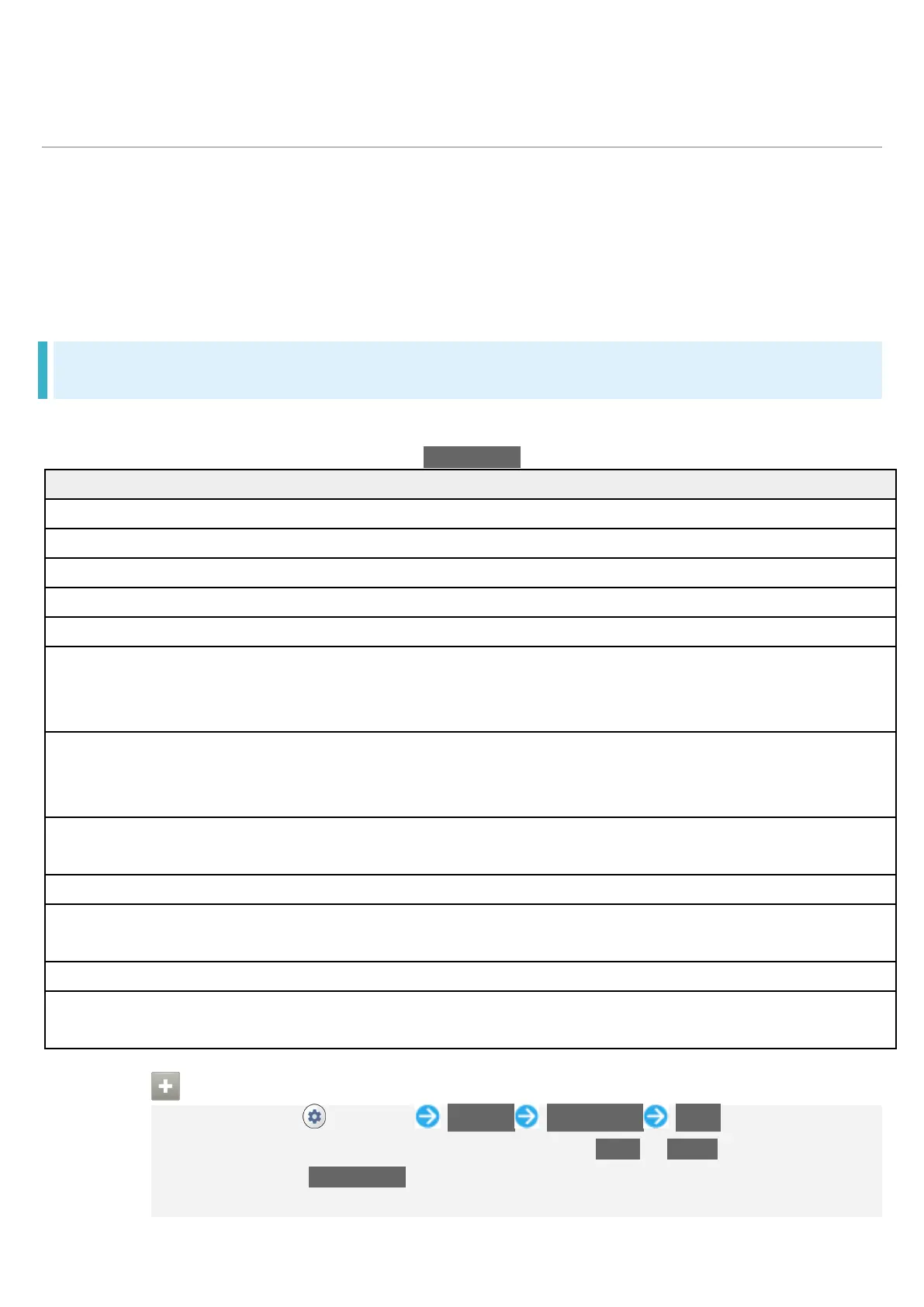
Make settings for Start Screen security, USIM Card lock, etc. Settable items are the following.
Displayed items depend on the setting for Screen lock.
Set whether to scan handset for security issues.
Check for available system updates.
Set location to be shown if handset is lost.
Google Play system update
Update OS and security patches.
Face unlock Registering your face enables you to unlock
handset by auto face recognition when Display is
Smart Lock Enable handset to check if it is being carried and
to check for trusted place or device and unlock
Device admin apps Set whether to enable device administration
Make settings for USIM Card/eSIM lock.
Encryption & credentials Make settings for encrypt handset data and set
Set whether to show trusted agents.
App pinning Set to keep only screen of specified application in
Setting Handset Not to Lock Start Screen
In Home Screen, (Settings) Security Screen lock None
If method for unlocking screen is setting other than None or Swipe before changing
setting, first Tap Screen lock and unlock screen.
If confirmation appears, follow onscreen instructions.


 To Next Page
 Loading...








