20/28
Handset Settings
System Settings
System Settings
System Settings
Check and make settings for language and input, date and time, backup, and reset, etc. Settable
items are the following.
Make settings for display and text entry.
Gestures Enable Camera activation when Power Key is
Pressed twice, set Navigation Bar, and set the
ringtone stop when Power and Volume Up Keys
Make settings for date and time.
Auto power on Set whether to start handset automatically when
charged during power off.
Backup Backup application data, call history, etc. to
Reset options Reset network settings, application settings, and
System update Make settings for system update. For details, see
Hardware Feedback Set whether to send Qualcomm Technology
Languages & Input Operations
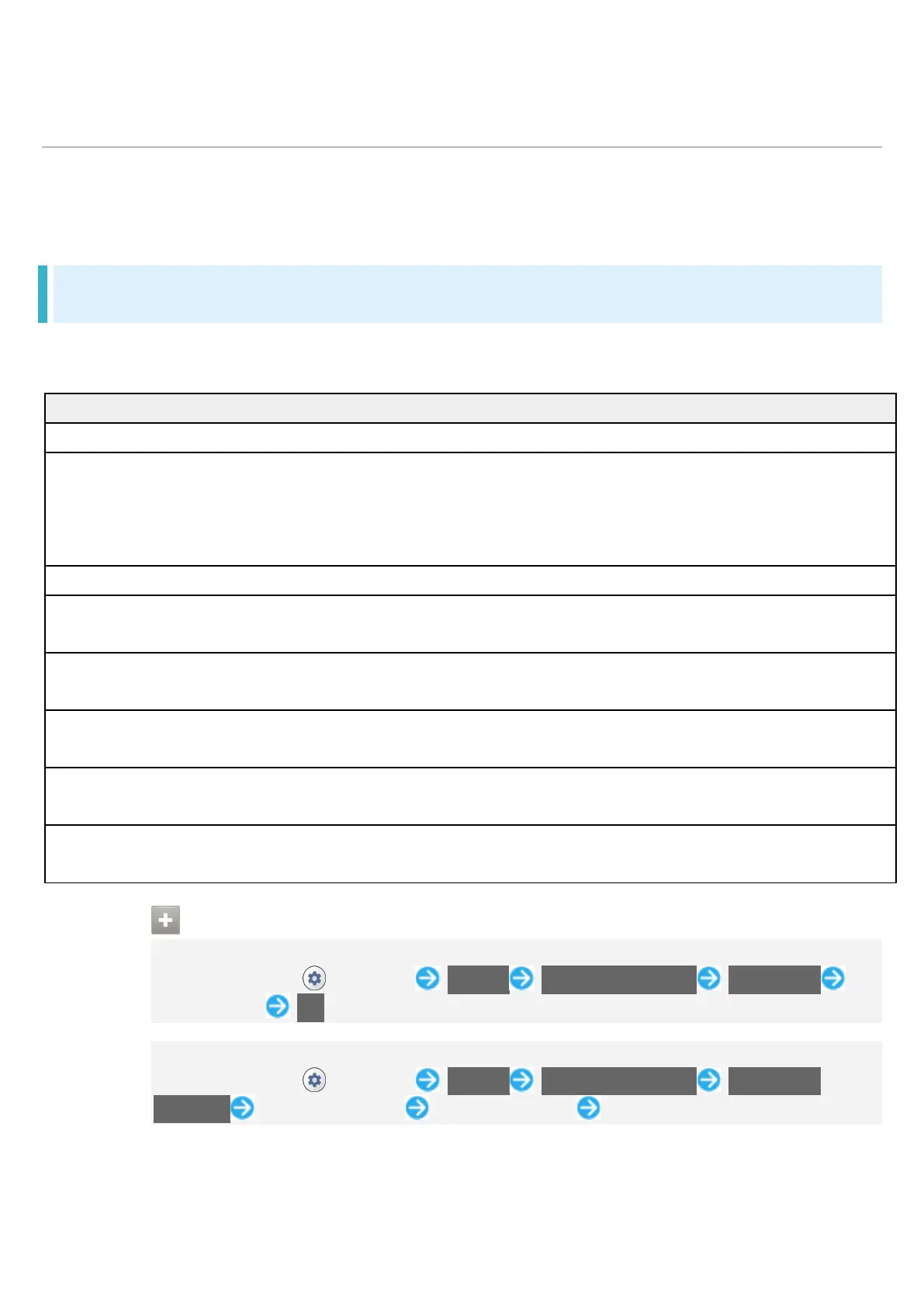
Set the Display Language
In Home Screen, (Settings) System Languages & input Languages
Tap language OK
Set Input Method
In Home Screen, (Settings) System Languages & input On-screen
keyboard Tap input method Tap setting items Follow onscreen instructions


 To Next Page
 Loading...








