15
P
R
E
L
IMI
N
A
RY
Getting Started
Installing the Battery
You must install and charge the battery to use your phone.
Caution:
Your phone is designed to be used only
with Motorola Original batteries and accessories.
We recommend that you store batteries in their
protective cases when not in use.
4
Close the card
door.
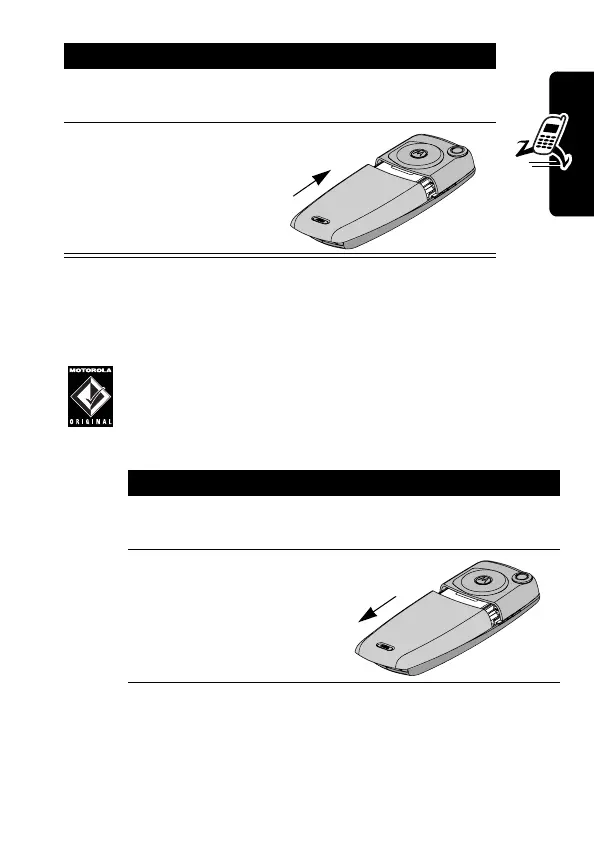
5
Place the battery
door back on the
phone and push it
up to snap it into
place.
Do This
1
Remove the battery from its protective clear
plastic case.
2
Push the battery
door down to
release it from the
phone.
Do This


 To Next Page
 Loading...