290
U
Choose a folder for playback (0 241).
Hide or reveal selected pictures as described below.
Hidden
pictures are visible only in the Hide image menu and can only be
deleted by formatting the memory card.
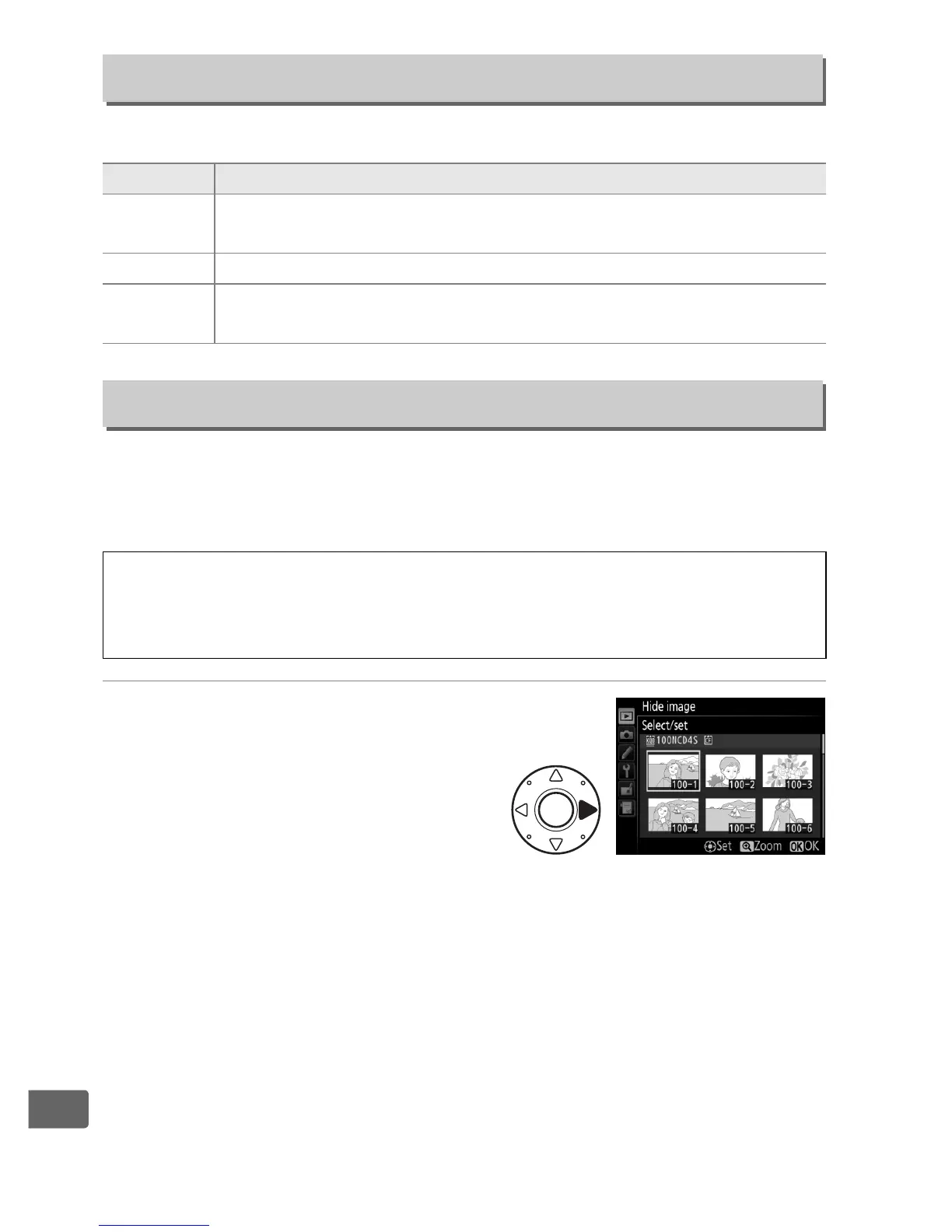
1 Choose Select/set.
Highlight Select/set and
press 2 (to skip the remaining
steps and reveal all pictures,
highlight Deselect all and
press J).
Playback Folder
G button ➜ D playback menu
Option Description
NCD4S
Pictures in all folders created with the D4S will be visible
during playback.
All Pictures in all folders will be visible during playback.
Current
Only pictures in the current folder will be visible during
playback.
Hide Image
G button ➜ D playback menu
D Protected and Hidden Images
Revealing a protected image will also remove protection from the
image.


 To Next Page
 Loading...










