99
User Settings: U1 and U2 Modes
Assign frequently-used settings to the U1 and U2 positions on the
mode dial.
Saving User Settings
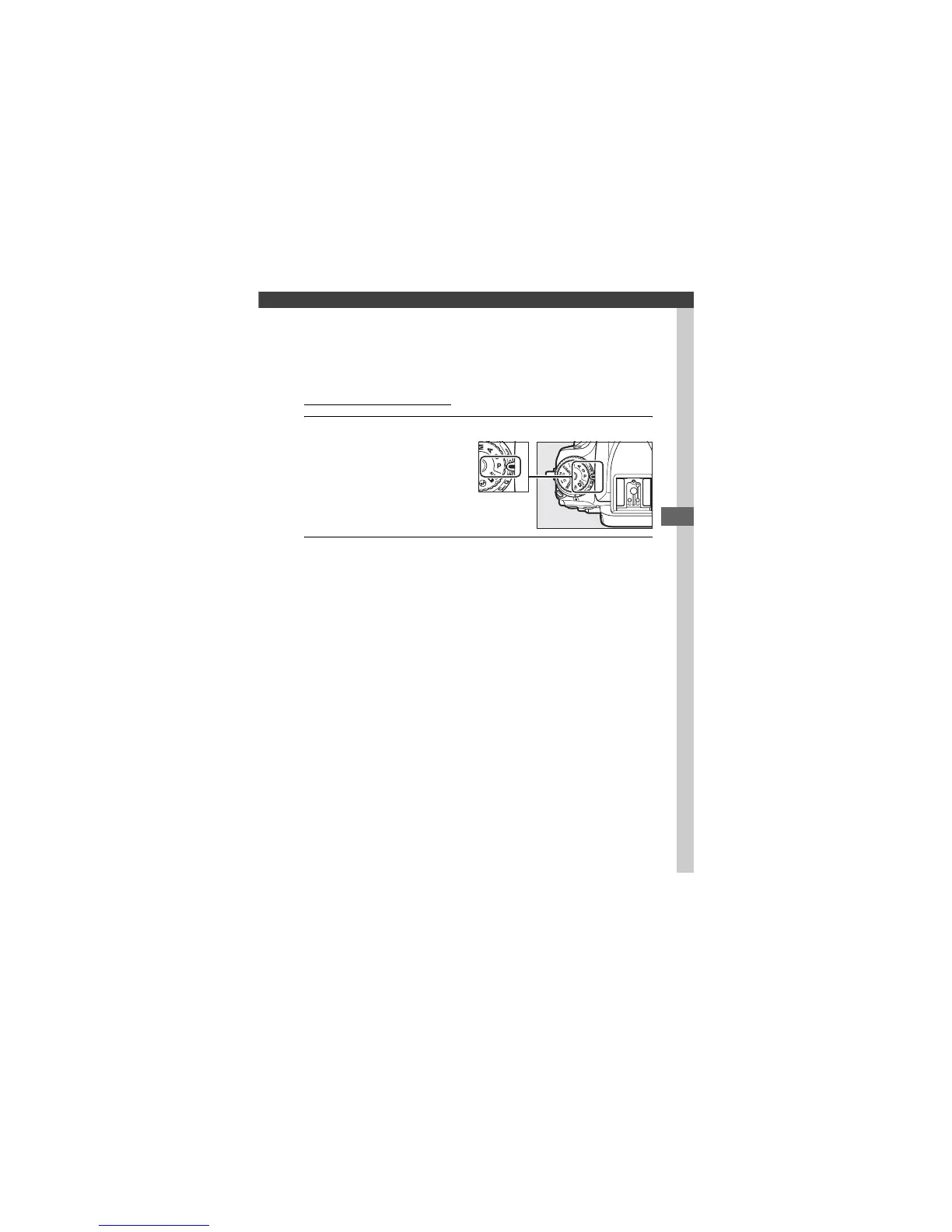
1 Select a mode.
Rotate the mode dial to the
desired mode.
2 Adjust settings.
Make the desired adjustments to flexible program (mode P),
shutter speed (modes S and M), aperture (modes A and M),
exposure and flash compensation, flash mode, focus point,
metering, autofocus and AF-area modes, bracketing, and
settings in the shooting (0 310, 318) and Custom Settings
(0 323) menus.
Mode dial


 To Next Page
 Loading...