321
Select On to enable the low-cut filter for the built-in microphone
(optional stereo microphones are unaffected), reducing noise
produced by wind blowing over the microphone (note that
other sounds may also be affected).
Wind-noise reduction for
optional stereo microphones can be enabled or disabled using
microphone controls.
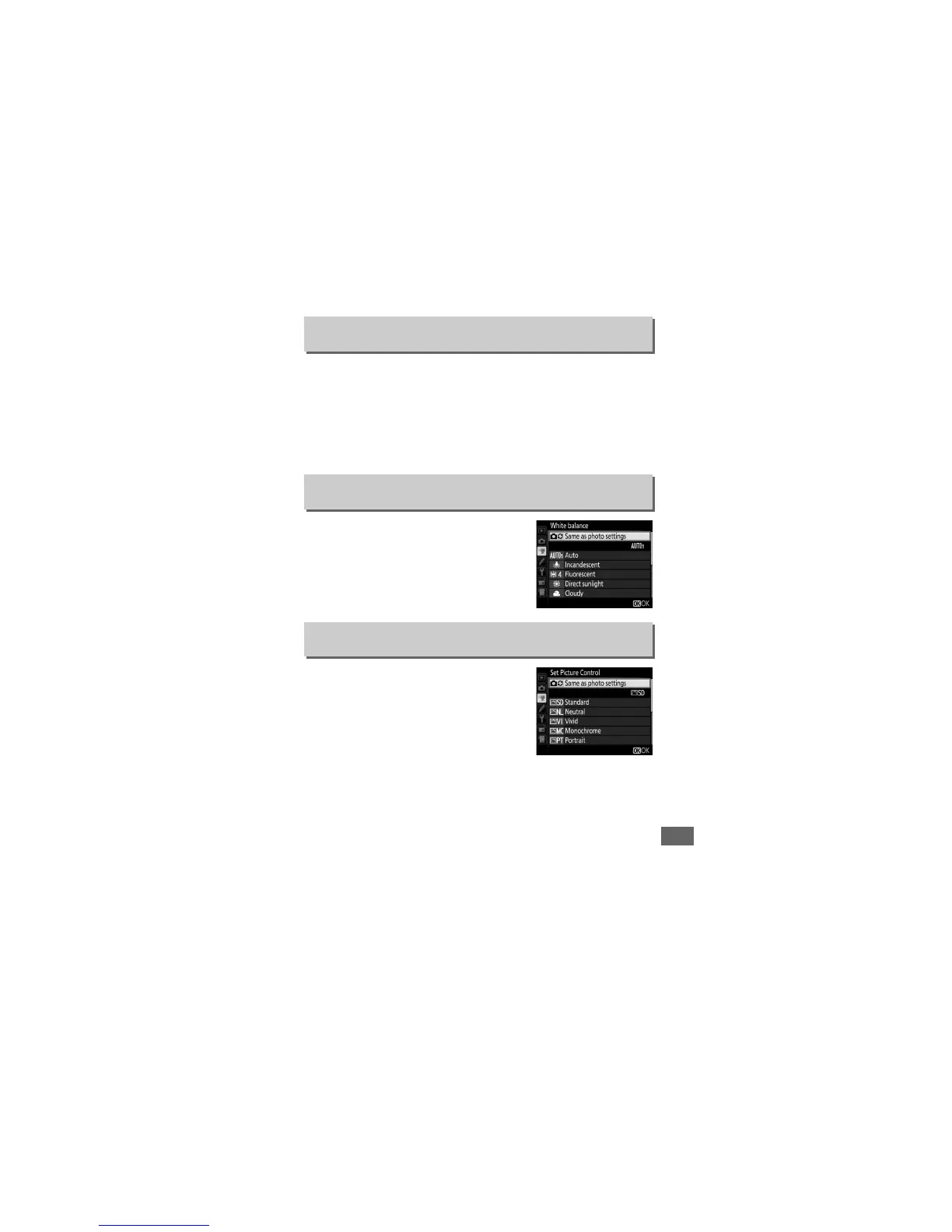
Choose the white balance for movies
(0 145).
Select Same as photo settings
to use the option currently selected for
photos.
Choose a Picture Control for movies
(0 165).
Select Same as photo settings
to use the option currently selected for
photos.
Wind Noise Reduction
G button ➜ 1 movie shooting menu
White Balance
G button ➜ 1 movie shooting menu
Set Picture Control
G button ➜ 1 movie shooting menu


 To Next Page
 Loading...