TO
CONFIRM
SHARPNESS
BEFORE
SHOOTING-DEPTH-OF-FIELD
PREVIEW
BUTTON
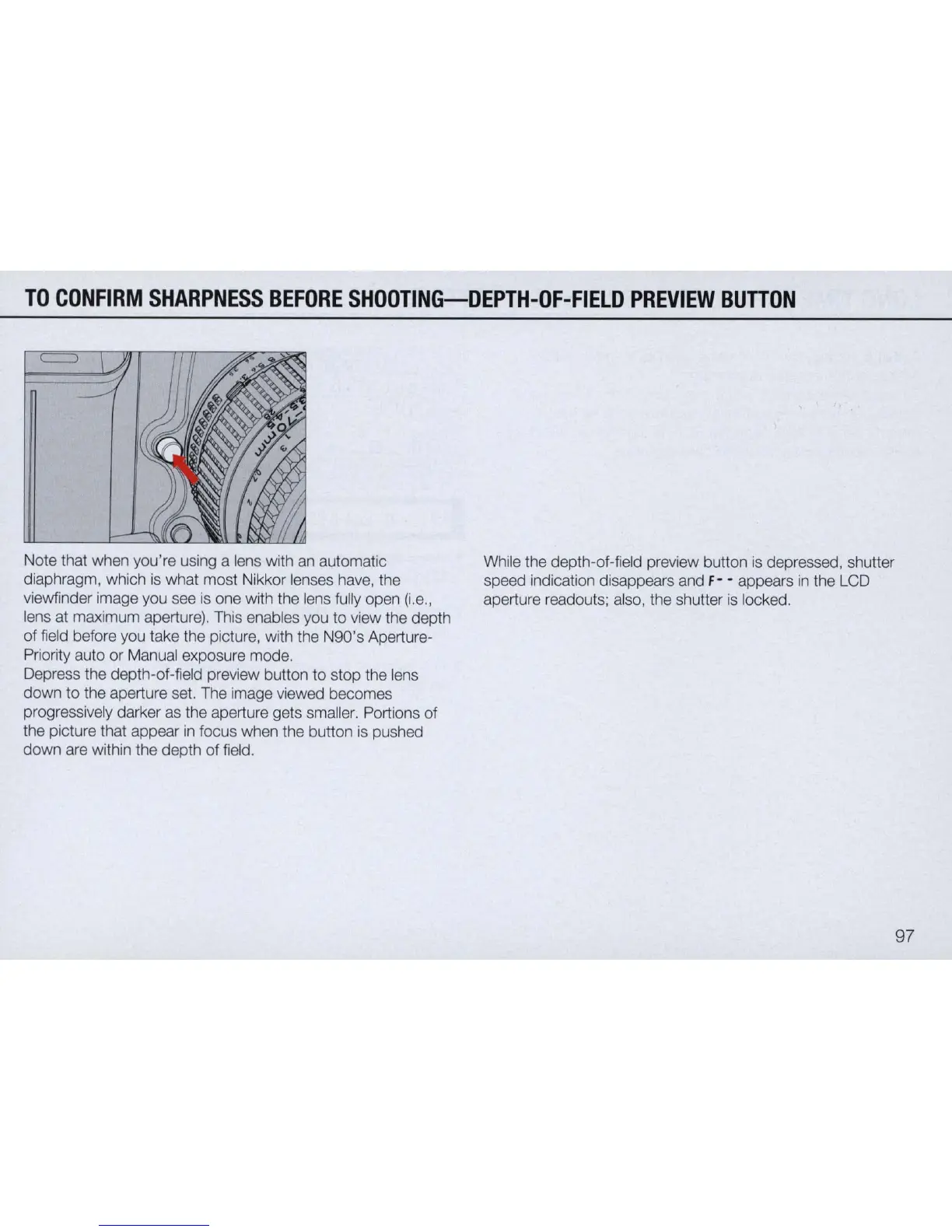
Note that when you're using a lens with an automatic
diaphragm, which
is
what most Nikkor lenses have, the
viewfinder image you see
is
one with the lens fully open
(i.e
.,
lens at maximum aperture). This enables you to view the depth
of
field before you take the picture, with the N90's Aperture-
Priority auto or Manual exposure mode.
Depress the depth-
of
-field preview button to stop the lens
down to the aperture set. The image viewed becomes
progressively darker
as
the aperture gets smaller. Portions
of
the picture that appear
in
focus when the button
is
pushed
down are within the depth
of
field.
While the depth-of-field preview button
is
depressed, shutter
speed indication disappears and
F- - appears
in
the LCD
aperture readouts; also, the shutter
is
locked.
97


 To Next Page
 Loading...









