Startup
A31003-S2000-M102-3-76A9, 08/07/2009
2-8 Asterisk - OpenStage Family, Administration Manual
inbetriebnahme.fm
Quick Start
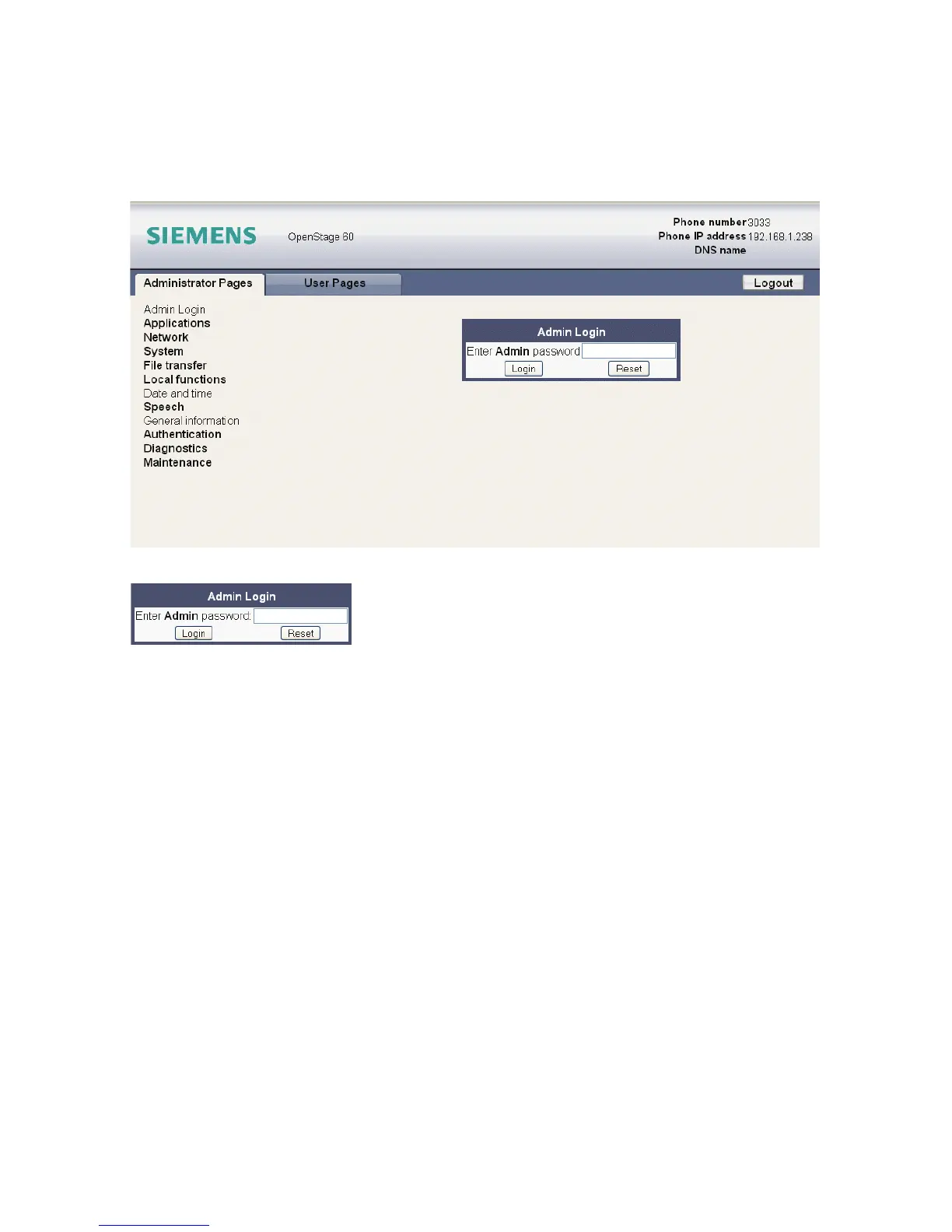
If the browser displays a certificate notification, accept it. The start page of the web interface
appears. In the upper right corner, the phone number, the phone’s IP address, as well as the
DNS name assigned to the phone are displayed. The left corner contains the user menu tree.
2. Click on the tab "Administrator Pages". In the dialog box, enter the admin password:
3. The administration main page opens. The left column contains the menu tree. If you click
on an item which is printed in normal style, the corresponding dialog opens in the center
of the page. If you click on an item printed in bold letters, a sub-menu opens in the right
column.


 To Next Page
 Loading...