44
GB
Selecting the speaker pattern
You can also select the speaker pattern you want according to your speaker installation
without performing the [Easy Setup].
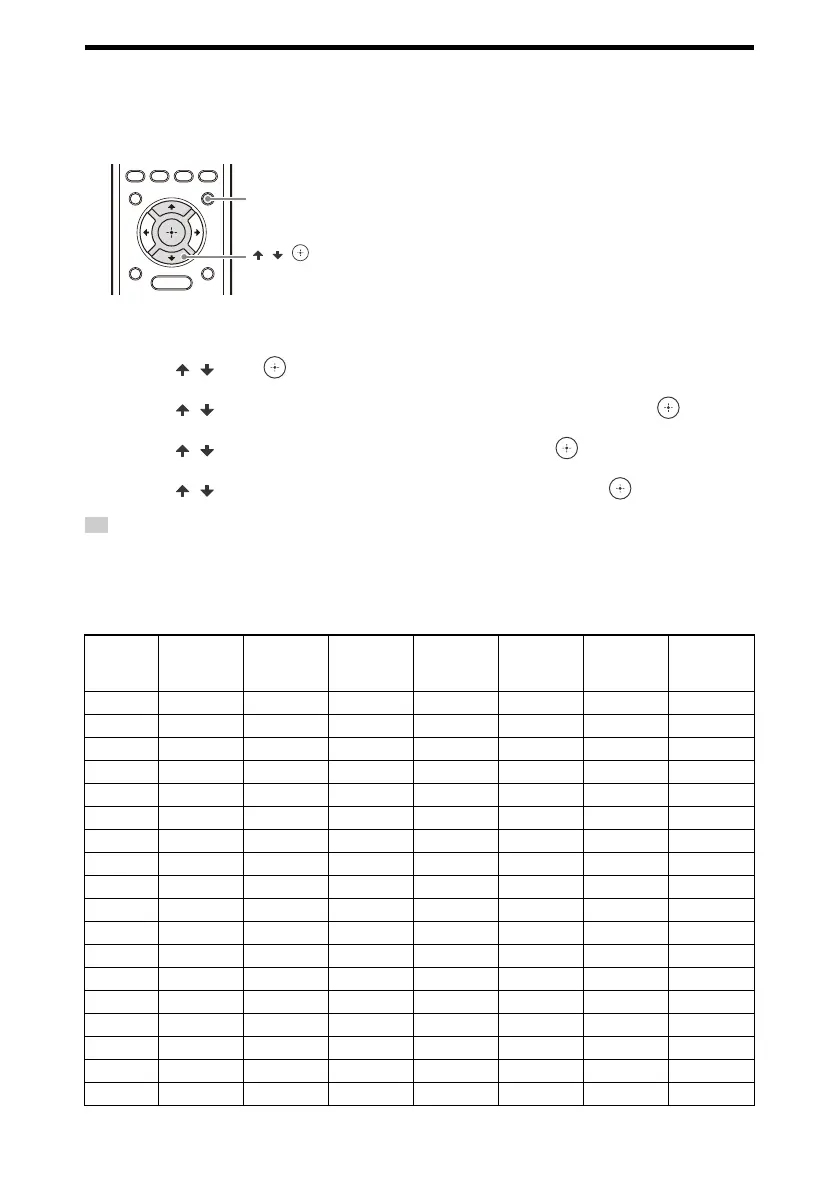
1 Press AMP MENU.
2 Press / and to select “<SPKR>” – “PATTERN”.
3 Press / to select the speaker pattern, and then press .
4 Press / to select “HEIGHT”, and then press .
5 Press / to select a speaker type, and then press .
Front high speakers, top middle speakers, and Dolby Atmos enabled speakers are referred to collectively
as “height speakers”.
Speaker pattern (“PATTERN”)
Tip
Speaker
pattern
Front
left/right
speaker
Center
speaker
Surround
left/right
speaker
Surround
back left
speaker
Surround
back right
speaker
Subwoofer
Height
speakers*
“7.1”
“7.0”
“6.1[SB]”
“6.0[SB]”
“6.1”
“6.0”
“5.1.2”
“5.0.2”
“5.1[SB]”
“5.0[SB]”
“5.1”
“5.0”
“4.1.2”
“4.0.2”
“4.1”
“4.0”
“3.1.2”
“3.0.2”


 To Next Page
 Loading...











