14
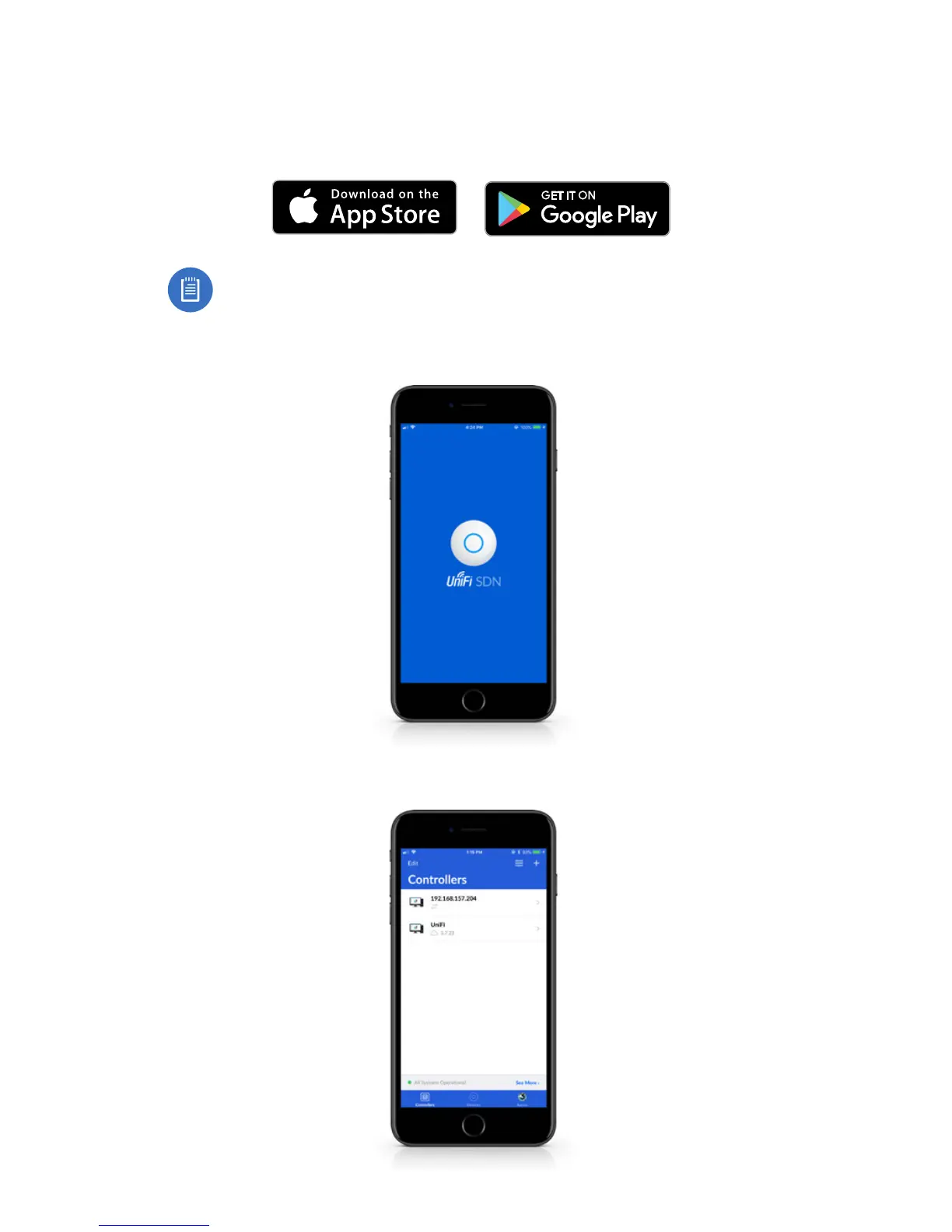
Setting Up UniFi SDN via App
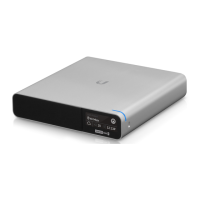
Download and install the UniFi SDN app to configure the
Cloud Key Gen2 Plus.
Note: Ensure that Bluetooth is enabled on your mobile
device. You will need to set up the Cloud Key Gen2 Plus
with your mobile device and be within 1.5 m (5’) from
where it is installed.
1. Launch the app and tap the + icon to add a new controller.


 To Next Page
 Loading...