31
Setting Up UniFi Protect
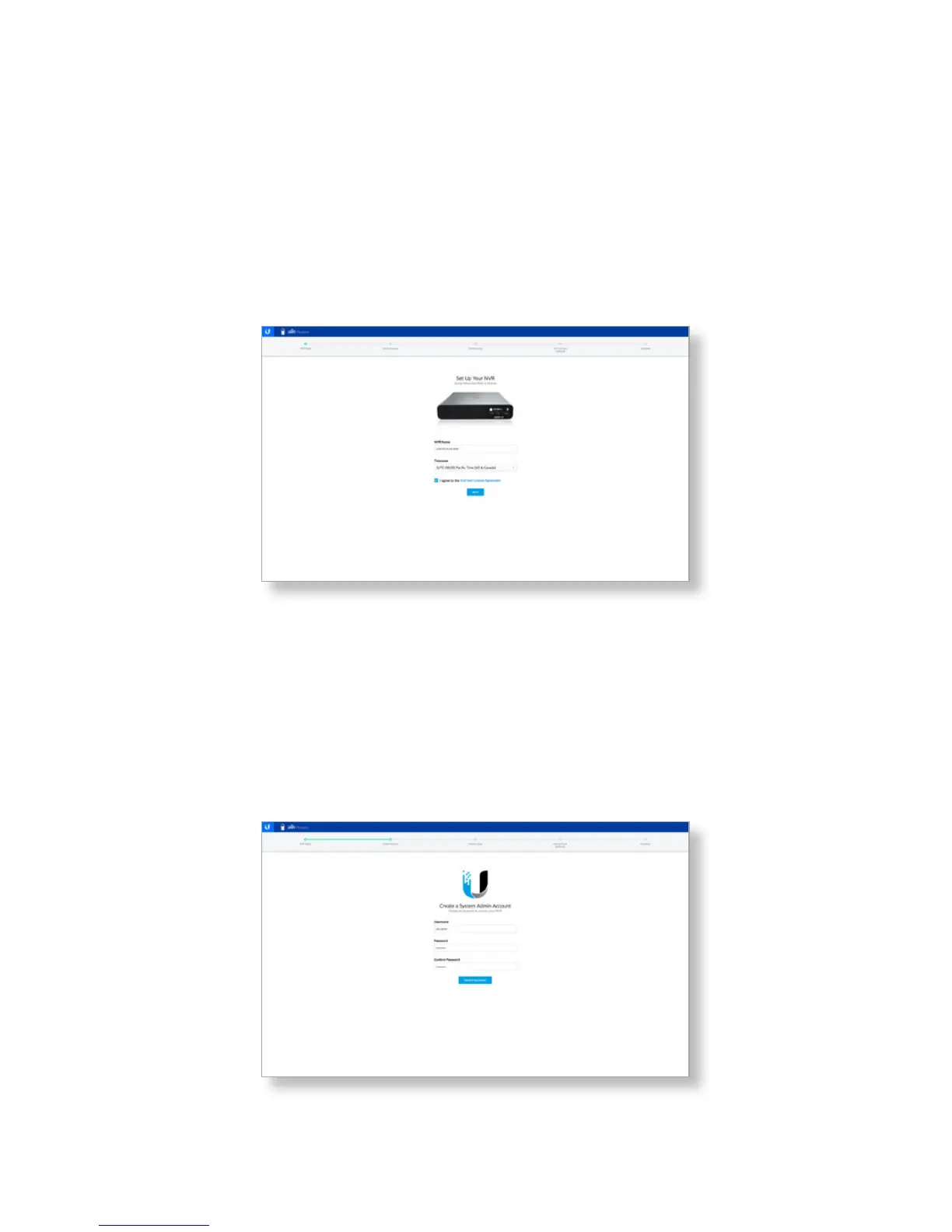
1. Set up and configure your NVR.
a. Enter a name in the NVR Name field.
b. Select your timezone from the Timezone dropdown list.
c. Click End User License Agreement to view the license
and click the checkbox to accept the license agreement.
d. Click Next.
2. Create a system admin account for your NVR.
a. Enter a username in the Username field.
b. Enter a password in the Password field.
c. Confirm the password by entering it a second time in
the Confirm Password field.
d. Click Create Account.


 To Next Page
 Loading...