25
Control System
Operation
Starting the engine
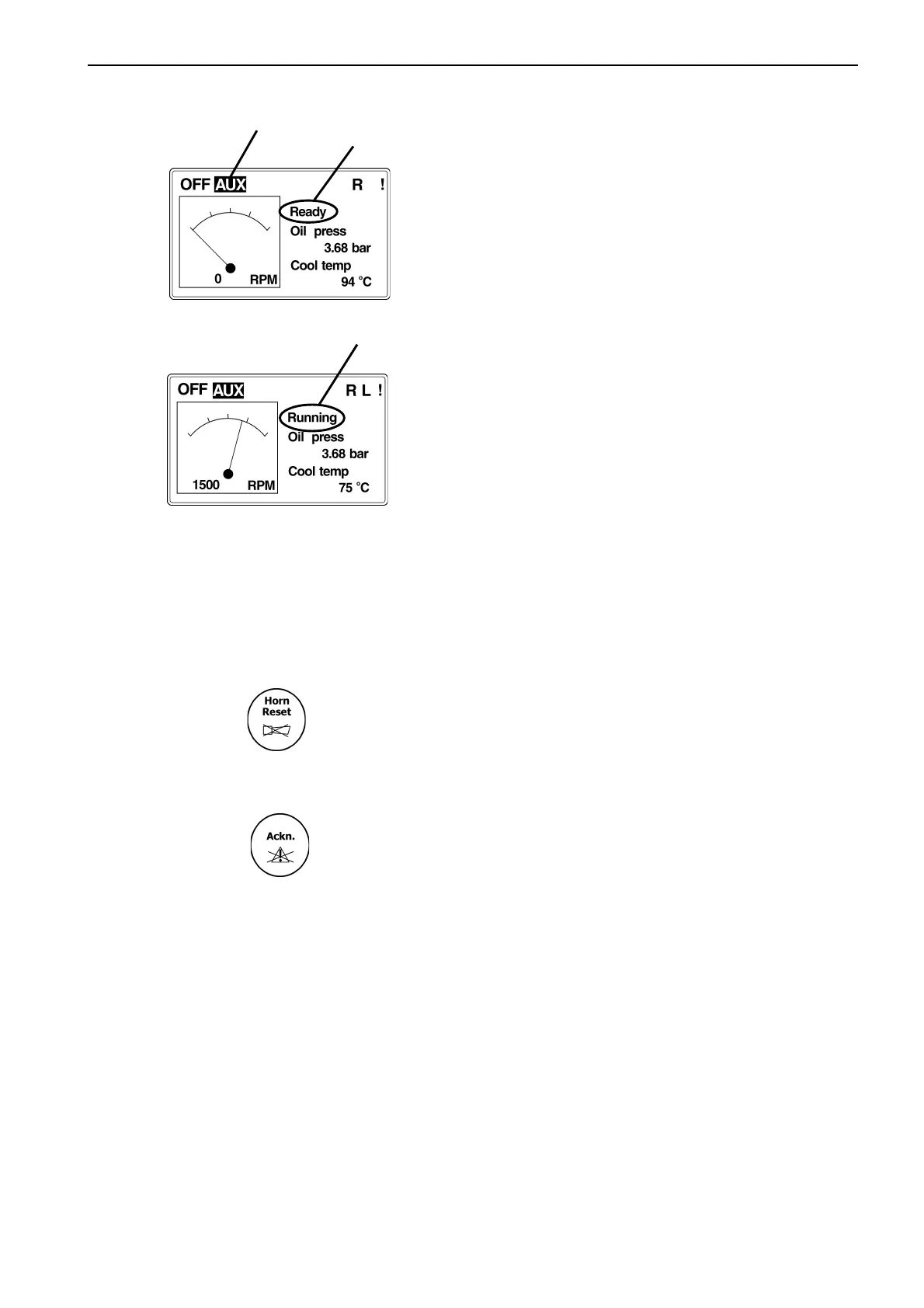
1. In MAIN menu, select mode of operation (AUX,
HRB, EME, PRP), refer to section ”Applications &
Modes”), using MODE button (left or right)(A).
2. Make sure engine status is ”Ready”(B).
3. Push START button and the engine state should
change to ”Running”(C).
Running
Operational data
Monitor engine data not visible in the MAIN screen:
1. Use PAGE button to select MEASUREMENT
menu.
2. Use UP and DOWN arrows to select wanted
engine data.
Alarms
Alarms are shown in two different screens depending
on the origin of the alarm.
Alarms detected by the EMS or PM are shown in the
ECU alarm list and alarms generated in the SDU or
the MCU are shown in a separate alarm list.
1. Push HORN RESET button to silence the alarm.
To view active alarms:
2. In MAIN view, push UP arrow once for SDU/MCU
alarm list and twice for ECU alarm list.
3. In case of multiple alarms, scroll alarmlist using
ENTER button.
4. Push ACKN. button to acknowledge all alarms.
NOTE! Alarm item will stay in alarm list until acknow-
ledged and made ”not active” (fault rectified).
Stopping the engine
1. Push and hold STOP button until the rpm starts
decreasing (approx. 1 s).
2. Make sure rpm indication decreases to 0 and
engine state returns to ”Ready”.
A
B
C


 To Next Page
 Loading...