Home > Copy > Use the A3 Copy Shortcuts
Use the A3 Copy Shortcuts
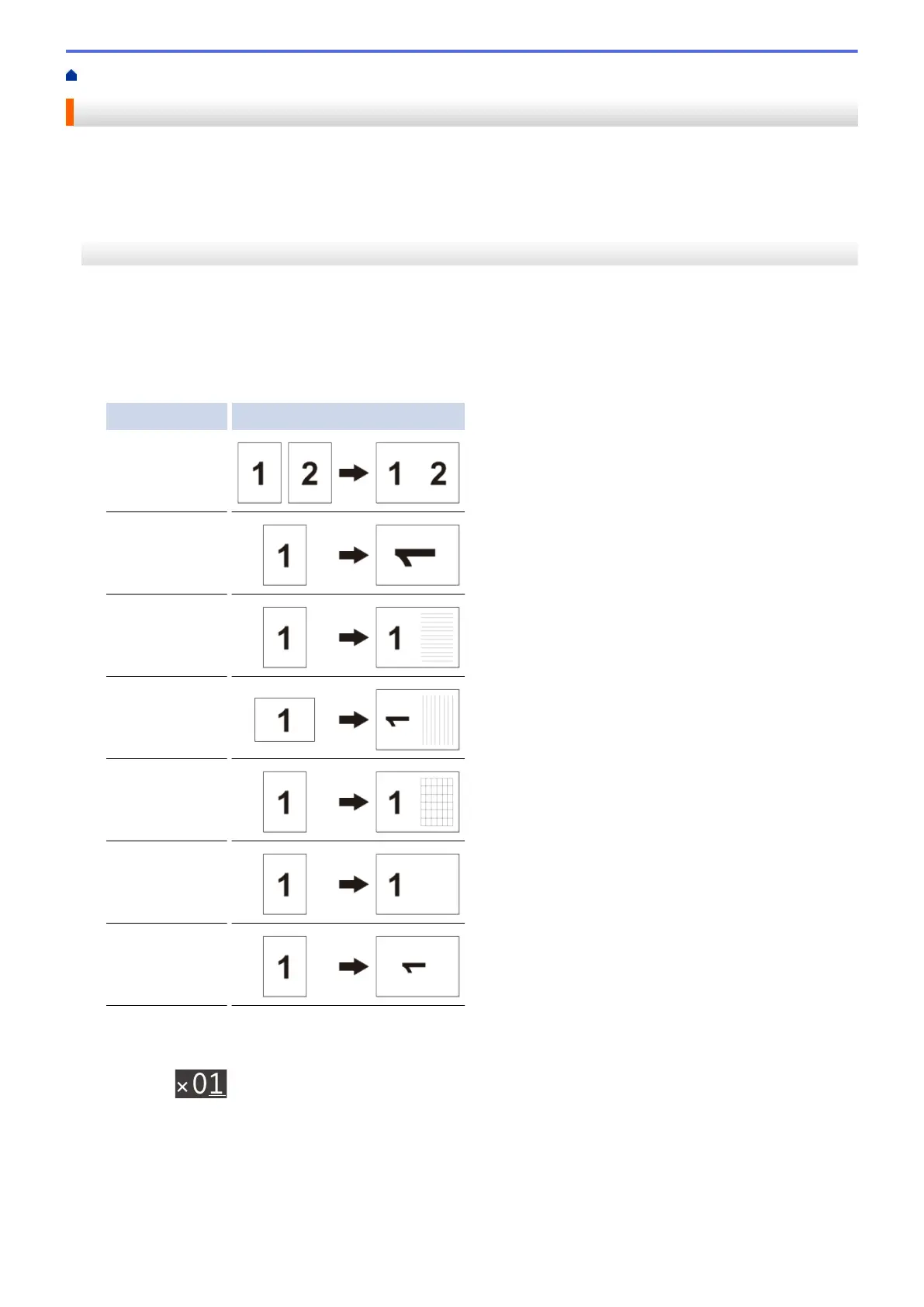
You can copy your document in A3 or Ledger size paper with a format, such as Note style. Also you can make 2
in 1 and enlarged copies.
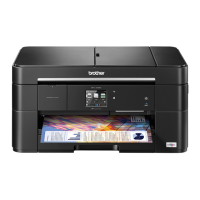
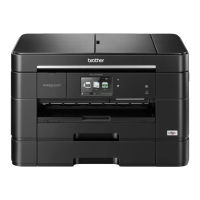
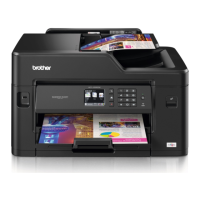
>> MFC-J2330DW
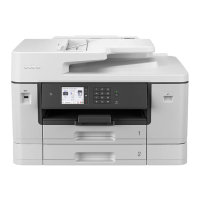
>> MFC-J2730DW
MFC-J2330DW
1. Load your document.
2. Press d or c to display the [A3 Copy Shortcuts] option, and then press it.
3. If information appears on the touchscreen, read it, and then press [OK] to confirm.
4. Press d or c to display options, and then press the option you want.
Option Description
A3 2in1
A4 ⇒ A3
A4 + Note(L)
A4 + Note(P)
A4 + Grid
A4 + Blank
A4 Center
5. Enter the number of copies in one of the following ways:
• Press [-] or [+] on the touchscreen.
• Press to display the keyboard on the touchscreen, and then enter the number of copies using the
touchscreen keyboard. Press [OK].
• Enter the number of copies using the dial pad.
6. Do one of the following:
• To change more settings, go to the next step.
• When you have finished changing settings, press the [Mono Start] or [Colour Start] option to
start copying.
261


 To Next Page
 Loading...