Direct Printing with DPOF
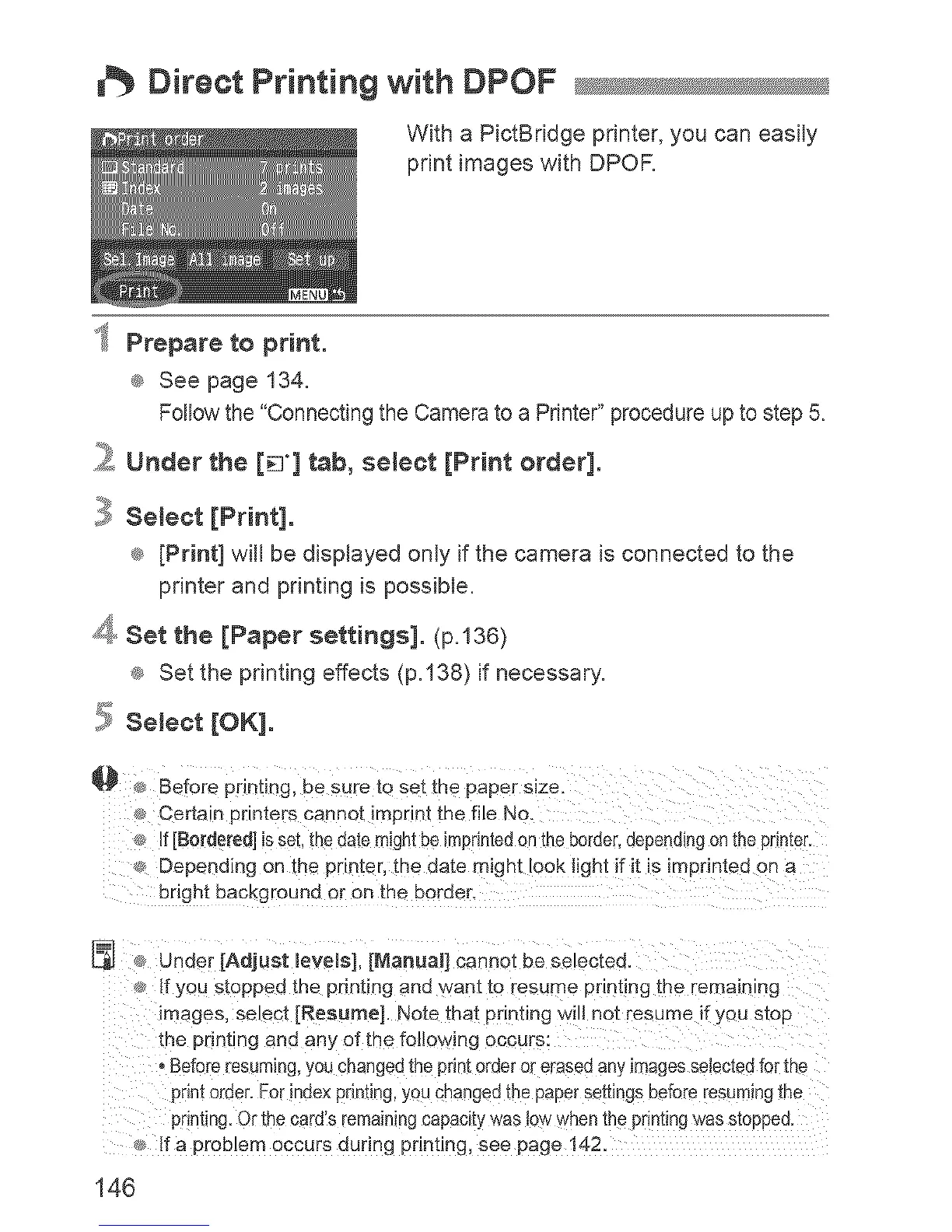
With a PictBridge printer, you can easily
print images with DPOR
_ Prepare to print.
® See page 134.
Followthe "ConnectingtheCameratoa Pnnter"procedureuptostep5_
_ Under the [_'] tab, select [Print order].
} Select [Print].
® [Print] will be displayed only if the camera isconnected to the
printer and printing is possible.
4 Set the [Paper settings]. (p.136)
® Set the printing effects (p.138) if necessary.
,!_ Select [OK].
_ Before pnnting, be sure to se[ me paper s_ze
Certa q _nnters cannot imprint the file No.
Ef[Bordered] is set.the date might be iml:lnted on theborder,dependingon the primer
¢_ Depending on the printer, the date might look light if it is imprinted on a
bright eacKgrouna or on me border.
unoer [Adjust meve_s],[Marlual] canno[ De se acted.
If you slopped the printing and want to resume printing the remaining
images, select [Resume]. Note that pnn[mg wilt not resume if you szop
me pnntmg and ant of the following occurs:
, Before resuming,you changed the pnnt order orerasec any images setectedtor the
print order. For index printing,you changed the paper settings betore resuming me
printing. Or the card's remaining capac}[yyeasio'v when the pnn[tngwas s[oppee
If a problem occurs during pnnung, see page 142.
146


 To Next Page
 Loading...











